

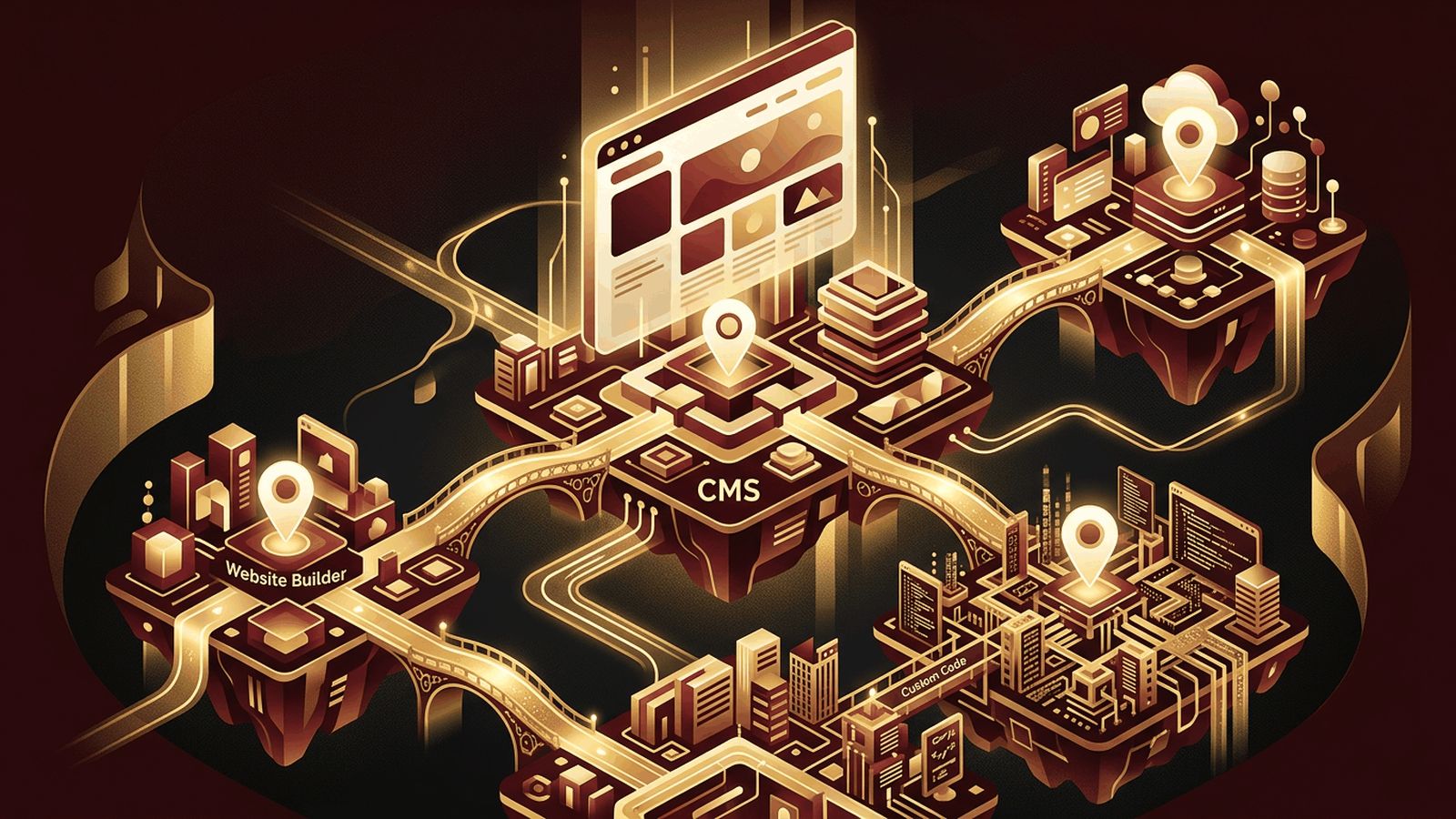
Deciding where to create your website is one of the first and most consequential decisions in any web project. The platform you choose affects how your site looks, how easily you can update it, how well it performs in search engines, how much it costs, and how far it can grow. With options ranging from simple drag-and-drop builders to powerful content management systems and fully custom development, the choices can feel overwhelming. In this guide, we break down where to create a website, outline the strengths and weaknesses of each option, and help you match the right platform to your needs.
AAMAX.CO Helps Businesses Choose and Build on the Right Platform
Choosing a platform is easier with expert guidance. AAMAX.CO is a full-service digital marketing company that offers web development, digital marketing, and SEO services worldwide. They assess their clients' goals, budgets, and growth plans, then recommend and build on the most suitable platform, whether that is WordPress, Shopify, Webflow, or a fully custom solution. Through their website design services, they create distinctive, user-friendly websites that represent each brand authentically and perform well across devices and search engines.
Start by Defining Your Website Goals
Before choosing a platform, clarify what your website needs to do. Ask yourself:
- Is it a personal blog, portfolio, business site, online store, or web application?
- How many pages will it have, and how often will content change?
- Do you need e-commerce, bookings, memberships, or integrations?
- Who will maintain the site, and what technical skills do they have?
- What is your budget for setup and ongoing costs?
- How much do you expect the site to grow over the next few years?
Your answers will narrow down the most suitable options.
Website Builders: Fast and Beginner-Friendly
Website builders such as Wix, Squarespace, Weebly, and Hostinger Website Builder bundle hosting, templates, and visual editing into one subscription. They are ideal for small businesses, personal brands, and simple sites that need to launch quickly.
Pros: Easy to use, no coding required, all-in-one pricing, and built-in security and hosting.
Cons: Limited customization for complex features, ongoing subscription fees, and potential difficulty migrating later.
WordPress: Flexible and Widely Supported
WordPress.org is free, open-source software that powers a large share of the web. You install it on hosting of your choice and extend it with themes and plugins for SEO, e-commerce, forms, memberships, and much more.
Pros: Full ownership, enormous ecosystem, strong SEO capabilities, and scalability.
Cons: Requires managing hosting, updates, and security, or paying for managed WordPress hosting.
WordPress.com, by contrast, is a hosted service that simplifies setup but restricts some features on lower plans.
Webflow and Framer: Design-Focused Platforms
Webflow combines visual design with clean code output, a built-in CMS, and hosting. Framer excels at animated, modern marketing sites. Both are favored by designers and startups that want custom visuals without traditional development.
Pros: Advanced design control, fast hosting, and professional results.
Cons: Steeper learning curve and higher pricing for larger sites.
E-Commerce Platforms: Built for Selling
If your primary goal is online sales, consider Shopify, WooCommerce, or BigCommerce. These platforms handle product catalogs, carts, checkout, payments, shipping, taxes, and inventory.
Pros: Robust selling tools, secure payments, and integrations with marketing and fulfillment services.
Cons: Transaction fees or app costs can add up, and highly unique experiences may require custom development.
Custom Development: Maximum Flexibility
For businesses with unique requirements, custom development using frameworks like Next.js, Nuxt, Laravel, or Django offers complete control over design, functionality, and performance. Custom sites can be paired with headless CMS platforms like Sanity, Contentful, or Strapi, so non-technical teams can still edit content easily.
Pros: Unlimited flexibility, top-tier performance, strong security, and no platform lock-in.
Cons: Higher upfront investment and reliance on experienced developers.
Developer Hosting Platforms
Platforms such as Vercel, Netlify, Cloudflare Pages, and GitHub Pages are excellent places to deploy custom-coded websites. They offer automatic deployments from Git, global CDNs, free SSL, and generous free tiers, making them favorites among developers.
Comparing Your Options
- Easiest to start: Wix, Squarespace, Weebly
- Best for content and blogs: WordPress
- Best for design control: Webflow, Framer
- Best for online stores: Shopify, WooCommerce, BigCommerce
- Best for unique, scalable solutions: Custom development
- Best for developers: Vercel, Netlify, GitHub Pages
Other Factors to Consider
Evaluate SEO capabilities, page speed, mobile responsiveness, security features, customer support, integration options, and total cost of ownership, including renewals, apps, and maintenance. Also consider data ownership and how easily you could move your site in the future.
Conclusion
Where you create your website depends on your goals, budget, technical skills, and growth plans. Website builders offer speed and simplicity, WordPress provides flexibility and ownership, design platforms deliver creative control, e-commerce platforms streamline selling, and custom development offers limitless possibilities. By understanding these options and aligning them with your needs, you can choose a platform that supports your success today and well into the future.
