

Introduction: The Blueprint Before the Build
No architect would construct a building without a blueprint, and no experienced web team should build a website without a wireframe. A wireframe is the skeletal framework of a web page, a simple visual guide that shows where content, navigation, and functionality will go. By focusing on structure instead of colors and images, wireframes help teams make smart decisions early, when changes are quick and inexpensive. In this article, we explain what a wireframe is in web design, the different types of wireframes, why they matter, and how to create them effectively.
How AAMAX.CO Uses Wireframes to Build Better Websites
AAMAX.CO is a full service digital marketing company offering web development, digital marketing, and SEO services worldwide. Wireframing is a key part of their design process. Before any visual design or coding begins, they map out page structures, user flows, and content priorities with clients. This collaborative step ensures everyone agrees on how the website should work, reduces costly revisions, and keeps the final product focused on user needs and business goals, including SEO and conversion.
What Is a Wireframe?
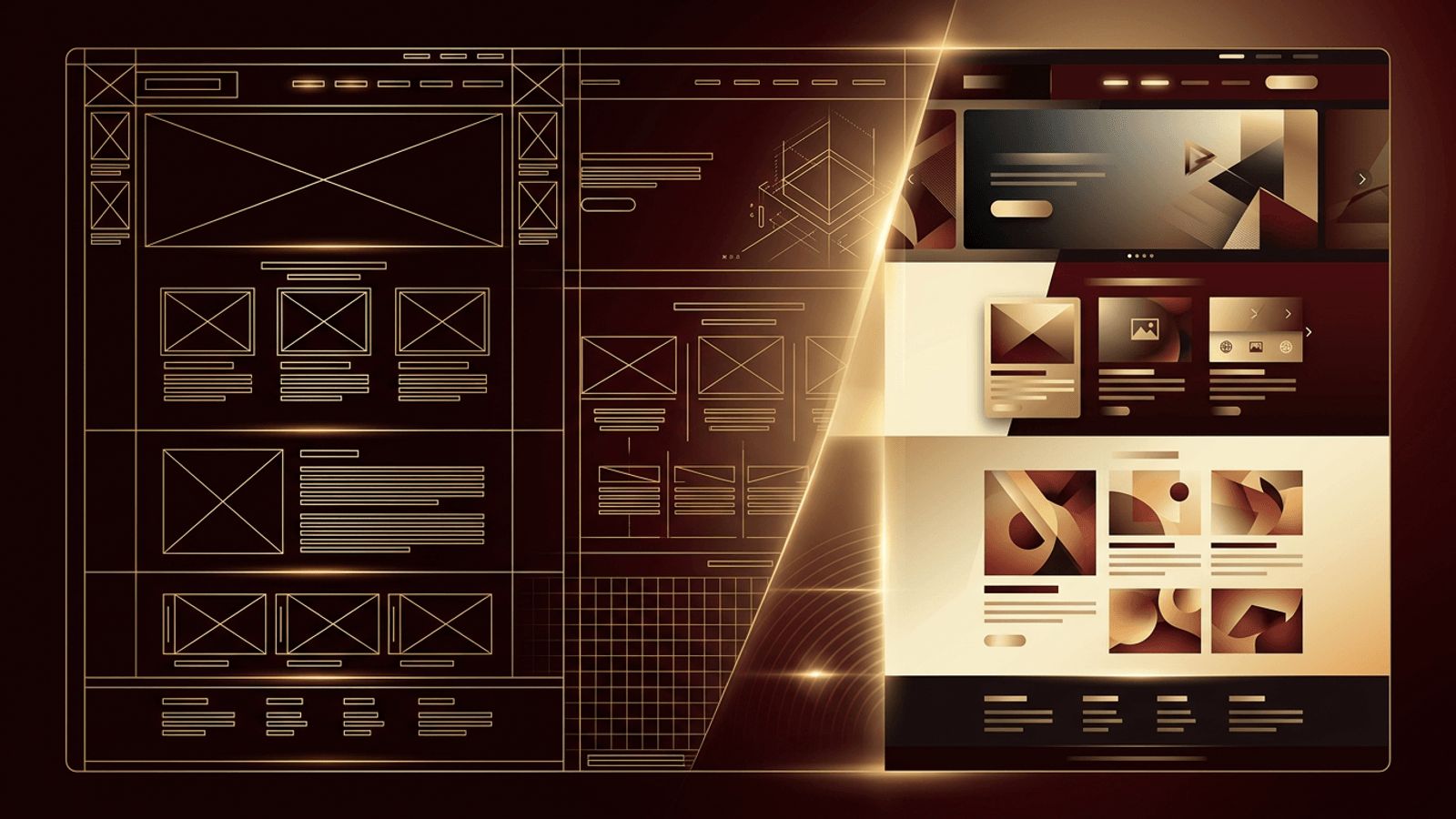
A wireframe is a low-detail, two-dimensional illustration of a web page's layout. It typically uses grayscale boxes, lines, placeholder text, and simple shapes to represent elements like headers, navigation menus, images, buttons, forms, and content blocks. Wireframes intentionally leave out branding, color, typography, and detailed imagery so that stakeholders can focus on functionality, hierarchy, and user experience.
Think of a wireframe as answering the question "What goes where, and why?" rather than "What does it look like?"
Why Wireframes Are Important
- Clarify structure: Wireframes define the layout and information hierarchy of each page.
- Align stakeholders: Clients, designers, developers, and content writers share a common understanding early.
- Save time and money: Changing a wireframe takes minutes, while changing a finished design or coded page can take days.
- Focus on usability: Without visual distractions, teams can evaluate navigation, flow, and content priority.
- Guide content creation: Writers know how much space exists and what each section needs to communicate.
- Support SEO planning: Heading structure and content placement can be planned with search in mind.
Types of Wireframes
Low-Fidelity Wireframes
These are rough sketches, often drawn on paper or whiteboards or created quickly with simple digital tools. They show basic layout and are ideal for brainstorming and exploring multiple ideas rapidly.
Mid-Fidelity Wireframes
Created digitally, mid-fidelity wireframes offer more accurate spacing, sizing, and element placement. They may include real headings and labels but still avoid colors and imagery. This is the most common type used in professional projects.
High-Fidelity Wireframes
High-fidelity wireframes include detailed content, precise layout, and sometimes interactive elements. They bridge the gap between wireframes and full visual mockups and are often used for complex applications.
Wireframe vs Mockup vs Prototype
These terms are related but serve different purposes. A wireframe defines structure and layout. A mockup adds visual design, including colors, typography, and imagery, showing what the final page will look like. A prototype is an interactive simulation that lets users click through pages and test flows before development. Most projects progress from wireframe to mockup to prototype, refining the design at each step.
Common Elements in a Website Wireframe
- Header with logo placement and navigation menu
- Hero section with headline and primary call to action
- Content sections and columns
- Image and video placeholders, usually boxes with an "X"
- Buttons and links
- Forms and input fields
- Sidebars and widgets
- Footer with secondary links and contact details
Popular Wireframing Tools
- Figma: A collaborative, browser-based design tool widely used for wireframes, mockups, and prototypes.
- Balsamiq: Known for its sketch-like style that keeps focus on structure.
- Adobe XD: Offers wireframing and prototyping features within the Adobe ecosystem.
- Sketch: A macOS design tool with a large plugin library.
- Whimsical and Miro: Ideal for quick wireframes, flowcharts, and collaborative brainstorming.
- Pen and paper: Still one of the fastest ways to explore ideas.
How to Create an Effective Wireframe
- Define goals: Understand the purpose of the page and the actions users should take.
- Research users: Consider who will visit and what they need.
- Plan content: List the information and features the page must include.
- Sketch the layout: Start with rough ideas, then refine the best option digitally.
- Establish hierarchy: Place the most important content and calls to action prominently.
- Design for mobile: Create wireframes for small screens as well as desktop.
- Annotate: Add notes explaining functionality, interactions, and behaviors.
- Gather feedback: Review with stakeholders and test with users before moving to visual design.
Wireframes in the Bigger Picture
Wireframes are an early but critical step in professional website design. Once approved, they guide visual designers in creating mockups and give developers a clear understanding of the structure they will build. This alignment makes the later stages of website development faster and more predictable.
Conclusion
A wireframe in web design is a simple, structural blueprint that shows how a web page will be organized before visual design and coding begin. By focusing on layout, hierarchy, and functionality, wireframes help teams collaborate, prioritize user needs, and avoid expensive revisions. Whether sketched on paper or built in Figma, wireframes lay the foundation for websites that are both beautiful and effective.
