

Not long ago, updating a website meant editing raw code and uploading files to a server, a task that required a developer for even the smallest change. Today, millions of website owners publish blog posts, swap images, and update product details in minutes without touching a single line of code. This transformation is made possible by the content management system, commonly known as a CMS. Understanding what a CMS is in web design helps businesses choose the right foundation for a website that is both beautiful and easy to manage.
How AAMAX.CO Builds CMS-Powered Websites That Are Easy to Manage
Choosing and implementing the right CMS can shape how efficiently a business runs its website for years. AAMAX.CO is a full-service digital marketing company offering web development, digital marketing, and SEO services worldwide. They design and develop websites on leading content management systems as well as headless and custom solutions, tailoring the editing experience to each client's team. Their developers create intuitive admin interfaces, custom content types, and reusable page components so that clients can update content confidently. With their SEO expertise, they also ensure the CMS is configured to support strong search performance.
Defining a Content Management System
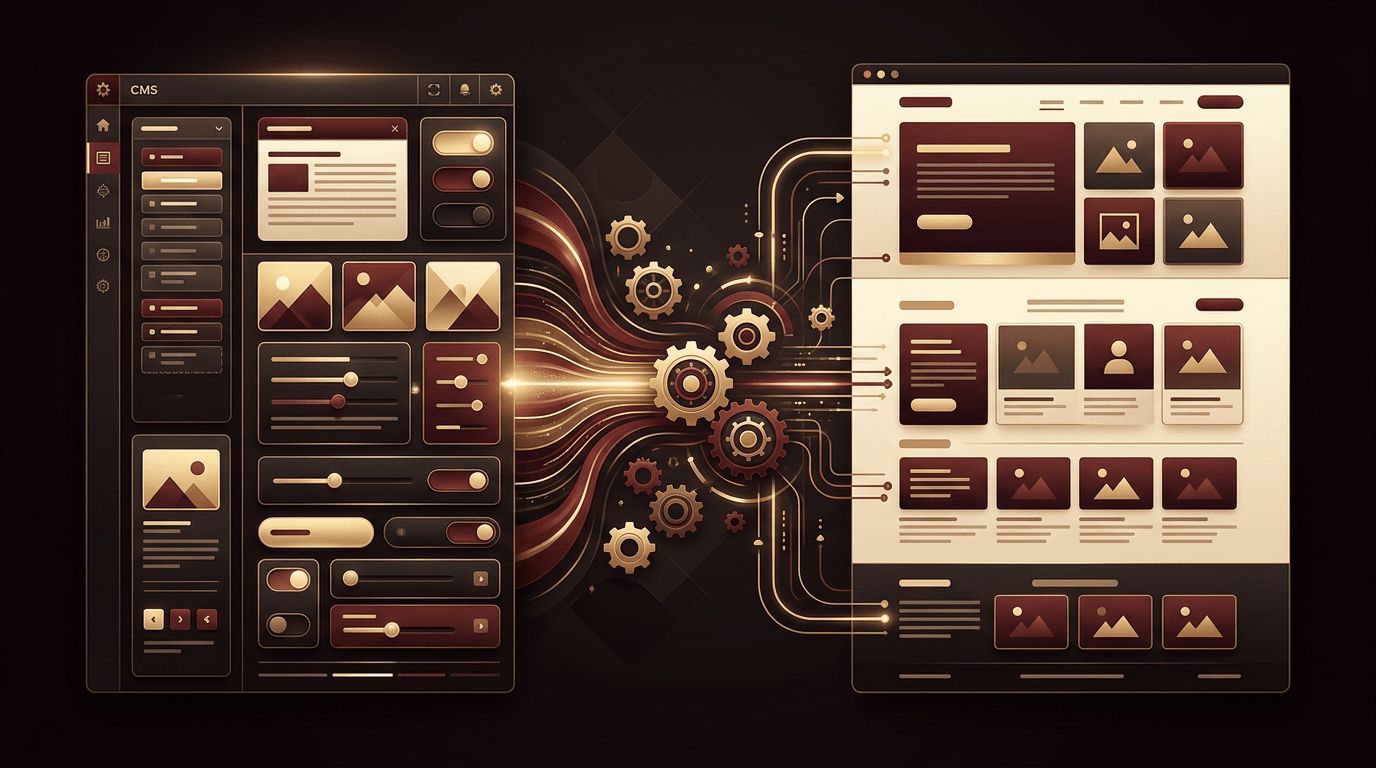
A content management system is software that allows users to create, edit, organize, and publish digital content on a website through a user-friendly interface. Instead of writing HTML for each page, users work in a visual dashboard similar to a word processor. The CMS stores content in a database and combines it with design templates to generate web pages automatically. This separation of content and design allows non-technical team members to manage content while designers and developers control how it looks.
The Two Main Components of a CMS
Most content management systems consist of two key parts. The content management application is the front-facing interface where users log in to add and edit content, upload media, and manage pages. The content delivery application works behind the scenes, retrieving content from the database, applying templates, and delivering finished pages to website visitors. Together, these components make website management efficient and accessible.
Popular CMS Platforms
Many CMS platforms are available, each with different strengths. WordPress is the most widely used, powering a large share of all websites thanks to its flexibility and huge plugin ecosystem. Drupal is known for robust security and scalability, often used by large organizations and governments. Joomla offers a balance between ease of use and flexibility. Shopify and similar platforms specialize in e-commerce. Website builders such as Wix and Squarespace include built-in CMS features for simpler sites. Headless CMS platforms like Contentful, Sanity, and Strapi provide content through APIs to any front end.
Traditional CMS vs. Headless CMS
A traditional CMS tightly couples content management with presentation, meaning the same system stores content and renders web pages. This approach is straightforward and works well for many websites. A headless CMS separates the content repository from the presentation layer, delivering content through APIs to websites, mobile apps, smart devices, and other channels. Headless systems offer greater flexibility and performance, especially when combined with modern front end frameworks, but they typically require more development expertise to set up.
Key Benefits of Using a CMS
Content management systems provide numerous advantages. They empower non-technical users to update content quickly, reducing reliance on developers for routine changes. Multiple team members can collaborate with defined roles and permissions. Built-in features such as media libraries, scheduling, and revision history streamline workflows. Many CMS platforms include SEO tools for managing titles, meta descriptions, and URLs. Themes and plugins allow functionality to be extended easily. Overall, a CMS reduces the time and cost of maintaining a website.
How a CMS Fits Into Web Design
In web design, the CMS acts as the bridge between creative vision and everyday content management. Designers create templates and layouts that define the look and feel of the website, while the CMS ensures that new content automatically follows those designs. This consistency preserves brand identity as the website grows. Modern CMS platforms often include block-based editors that let users build pages from pre-designed components, giving flexibility without compromising design quality. Thoughtful website design combined with a well-configured CMS creates a site that remains polished regardless of who updates it.
Limitations and Challenges
CMS platforms are not without drawbacks. Popular systems can be targets for hackers, making regular updates and security measures essential. Excessive plugins can slow down a website and create compatibility issues. Some platforms impose design or functionality limitations that require custom development to overcome. Migrating content from one CMS to another can be complex. Choosing a CMS that matches your needs from the start helps minimize these challenges.
How to Choose the Right CMS
Selecting a CMS depends on several factors. Consider the type of website you are building, whether a blog, corporate site, online store, or complex web application. Evaluate ease of use for your team, since a system that is difficult to use will hinder content updates. Assess scalability, security, and performance requirements. Review available integrations with tools you already use, such as email marketing or CRM platforms. Factor in budget for licensing, hosting, and development. Finally, consider long-term support and community resources.
CMS and SEO
A well-configured CMS can significantly support search engine optimization. Features such as customizable URLs, automatic XML sitemaps, editable meta tags, image alt text fields, and structured data support make it easier to optimize pages. However, a CMS does not guarantee good SEO on its own. Site speed, clean code, mobile responsiveness, and high-quality content remain critical. Working with professionals ensures these technical aspects are handled correctly.
Maintaining a CMS Website
To keep a CMS-powered website secure and performing well, regularly update the core software, themes, and plugins. Remove unused extensions to reduce vulnerabilities. Back up the website frequently and store backups securely. Monitor performance and optimize images and databases. Use strong passwords and two-factor authentication for all user accounts. Ongoing maintenance ensures your website remains reliable and protected.
Conclusion
A CMS in web design is a system that separates content from design, allowing users to manage website content easily through an intuitive interface. Whether you choose a traditional platform like WordPress or a modern headless solution, a CMS empowers your team to keep your website fresh, consistent, and aligned with your goals. By selecting the right platform and pairing it with professional design and development, you can create a website that is both visually impressive and simple to maintain.
