

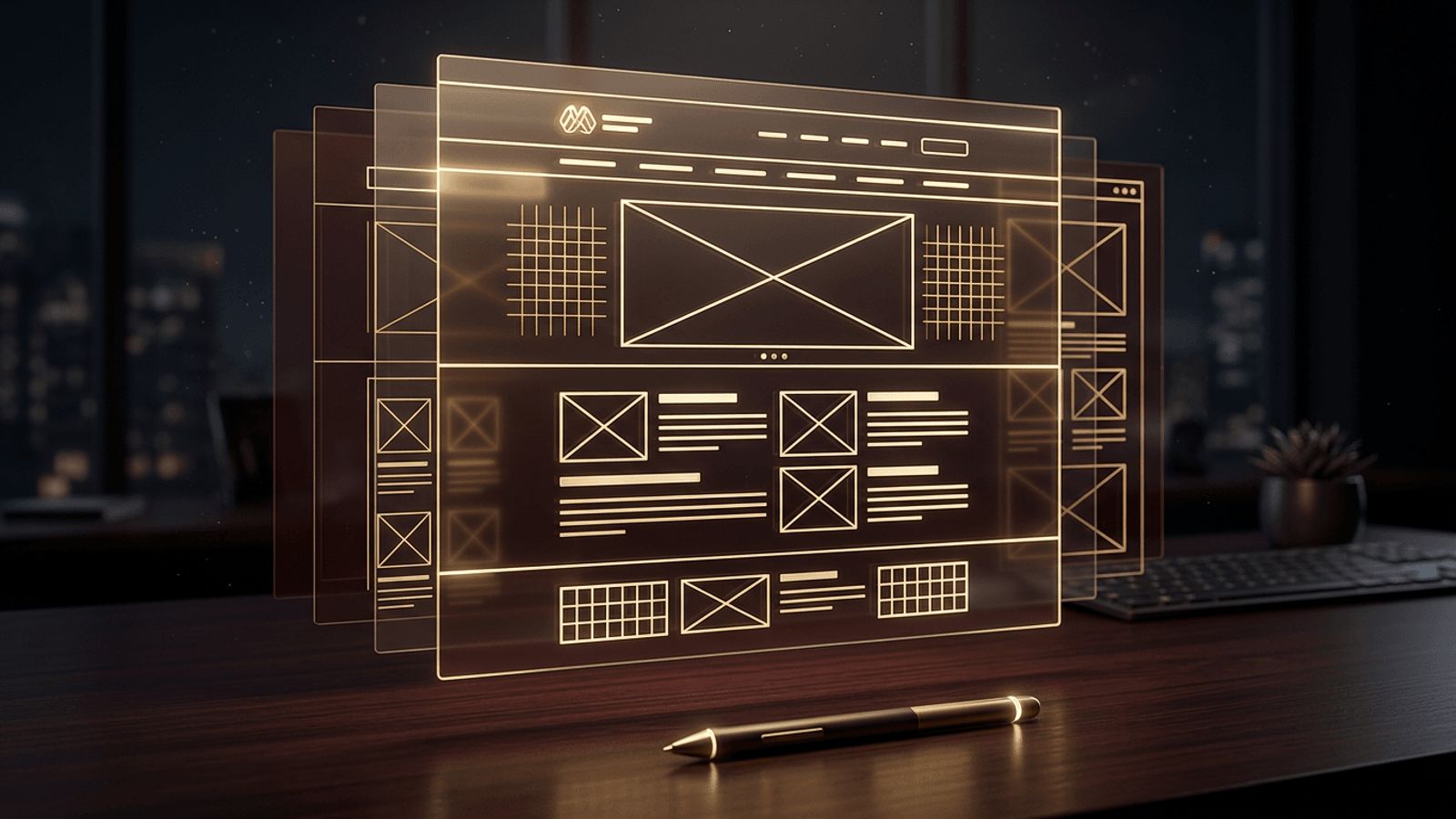
Before a house is built, an architect draws blueprints. Before a website is designed and coded, a designer creates wireframes. Wireframes are simplified visual guides that outline the structure and layout of a web page without the distraction of colors, images, or final content. They are one of the most valuable tools in the web design process, helping teams align on functionality and user flow before investing time in visual design and development. In this article, we explain what wireframes are in web design, the different types, their benefits, the tools used to create them, and best practices for making them effective.
How AAMAX.CO Uses Wireframes to Build Better Websites
Wireframing is a core step in any professional design process, and experienced teams know how to use it to reduce risk and improve results. AAMAX.CO is a full-service digital marketing company offering Web Development, Digital Marketing, and SEO services worldwide. They use wireframes to map user journeys, plan content hierarchy, and validate layouts with clients before moving into visual design. This structured approach ensures their websites are intuitive, conversion-focused, and aligned with business goals from the very first sketch.
What Is a Wireframe?
A wireframe is a basic, two-dimensional representation of a web page's layout. It shows where key elements will appear, such as the logo, navigation menu, headings, text blocks, images, buttons, forms, and footer. Wireframes typically use grayscale boxes, lines, and placeholder text. Images are often represented as boxes with an X through them.
The purpose of a wireframe is to focus on structure, hierarchy, and functionality. By removing visual styling, it encourages discussion about what goes on the page and how users will interact with it, rather than debating colors or fonts too early.
Types of Wireframes
Wireframes come in different levels of detail, known as fidelity:
- Low-fidelity wireframes are quick sketches, often drawn on paper or whiteboards. They capture rough layouts and ideas in minutes.
- Mid-fidelity wireframes are created digitally with more accurate spacing, sizing, and labeled elements, but still without color or imagery.
- High-fidelity wireframes include precise layouts, real content, and sometimes interactive elements. They approach the detail of a final design and can serve as the basis for prototypes.
Wireframes vs Mockups vs Prototypes
These terms are often confused, but they represent different stages:
- Wireframes define structure and layout.
- Mockups add visual design, including colors, typography, and images, showing what the final site will look like.
- Prototypes are interactive versions that simulate how users click through the site.
Together, these stages form a progression from concept to polished website design.
Why Wireframes Are Important
- They clarify goals. Wireframes force teams to decide what content and features each page needs.
- They improve usability. Designers can plan intuitive navigation and logical content flow.
- They save time and money. Changing a wireframe is far cheaper than redesigning or recoding a finished page.
- They improve communication. Stakeholders, designers, developers, and writers share a common visual reference.
- They support content planning. Writers know how much space they have and what each section must communicate.
- They guide development. Developers understand components and functionality before writing code.
Key Elements in a Wireframe
Most website wireframes include:
- Header with logo and navigation.
- Hero section with headline and primary call to action.
- Content sections, such as features, services, testimonials, and FAQs.
- Image and video placeholders.
- Forms and input fields.
- Buttons and links.
- Footer with contact details, secondary links, and legal information.
Annotations are often added to explain behavior, such as what happens when a button is clicked or how a menu expands on mobile.
Popular Wireframing Tools
Designers have many tools to choose from:
- Figma is the industry standard for collaborative design, wireframing, and prototyping.
- Balsamiq creates intentionally sketch-like wireframes that keep focus on structure.
- Adobe XD and Sketch offer wireframing and design features.
- Whimsical and Miro are great for quick layouts, flows, and team brainstorming.
- Pen and paper remain excellent for rapid early exploration.
How to Create an Effective Wireframe
- Research your users and goals. Understand who will visit the page and what they need.
- Define the user flow. Map the steps a visitor takes to complete key actions.
- Start with mobile. Designing for small screens first helps prioritize essential content.
- Establish hierarchy. Place the most important information and calls to action prominently.
- Use a grid. Grids create consistency and alignment across pages.
- Keep it simple. Avoid colors and detailed graphics that distract from structure.
- Gather feedback and iterate. Share with stakeholders and real users, then refine.
Wireframes and Development
Wireframes are not only for designers. Developers use them to identify reusable components, plan data requirements, and estimate effort. For complex platforms with dashboards, user roles, and custom workflows, detailed wireframes are essential for successful web application development, because they clarify how each screen behaves before engineering begins.
Common Wireframing Mistakes
- Adding too much visual detail too early.
- Ignoring mobile layouts.
- Using unrealistic placeholder content that does not reflect real text length.
- Skipping user feedback.
- Failing to annotate interactive behavior.
Conclusion
Wireframes are the blueprints of web design. They define structure, prioritize content, and align teams before visual design and development begin, saving time and producing more user-friendly websites. Whether sketched on paper or built in Figma, wireframes are a small investment that delivers significant returns. For a website planned and built with this level of care, hire AAMAX.CO for web design and development. Their structured process turns ideas into intuitive, high-performing websites.
