

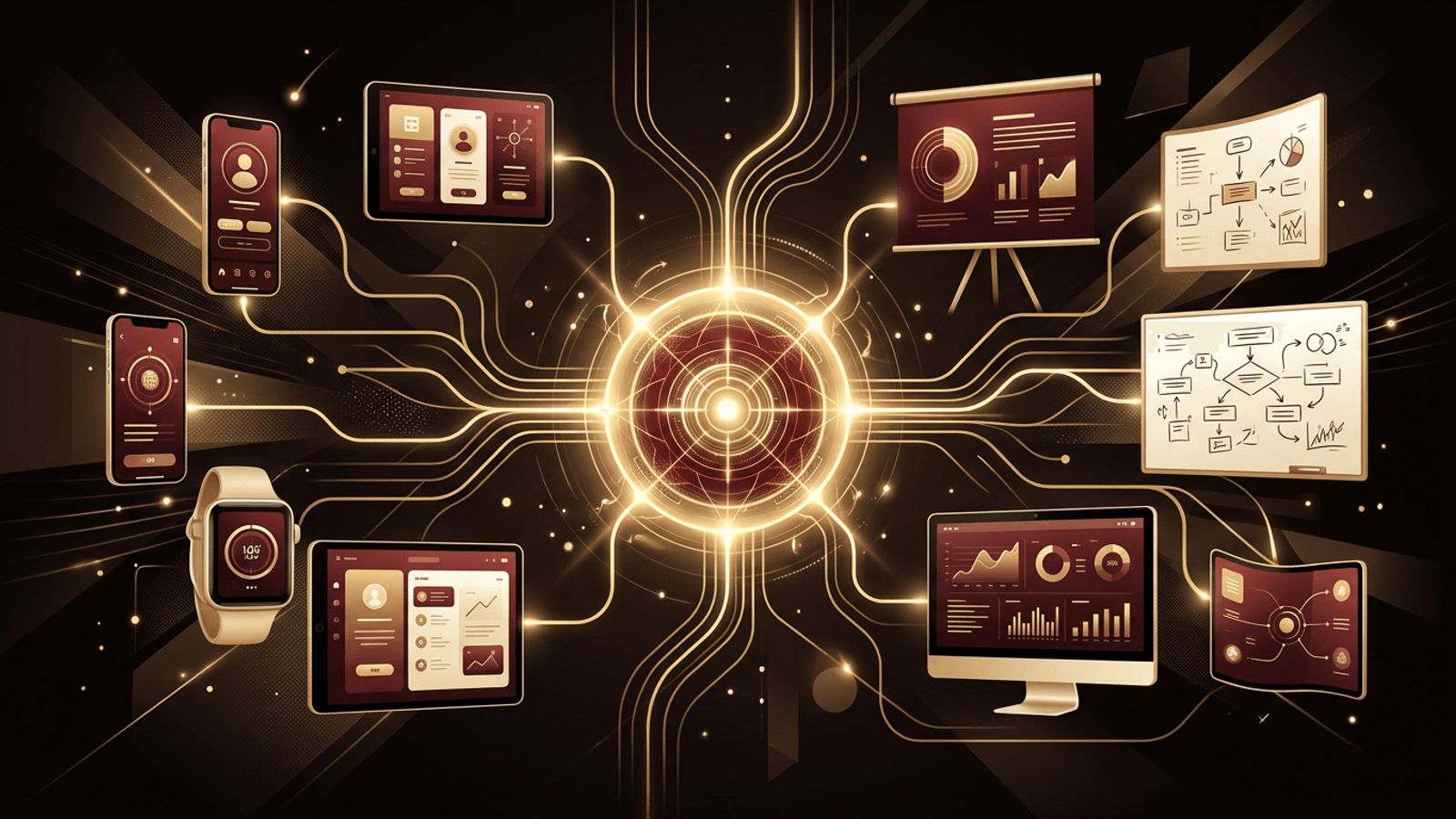
Many people first encounter Figma while working on a website mockup, so it is easy to assume the tool is built exclusively for web design. In reality, Figma has grown into a flexible design and collaboration platform that supports mobile apps, presentations, brand assets, social media graphics, whiteboarding sessions, and even early-stage product planning. So, is Figma only for web design? The short answer is no. Let us explore the many ways teams use Figma and why that versatility matters for businesses of every size.
How AAMAX.CO Uses Design Tools to Build Complete Digital Experiences
Because Figma supports so many types of work, it helps to partner with a team that knows how to connect design to real business outcomes. AAMAX.CO is a full service digital marketing company offering web development, digital marketing, and SEO services worldwide. They use versatile design workflows to plan everything from marketing websites to complex dashboards, and then they bring those plans to life with clean, scalable code. Businesses looking to turn multi-platform design concepts into working products can rely on their web application development expertise to deliver experiences that are consistent across browsers and devices.
Where Figma Started
Figma launched as a browser-based interface design tool, focusing on screens for websites and apps. Its early appeal was simple: designers could collaborate in real time without installing heavy software or passing files back and forth. Over the years, the platform expanded with features such as FigJam, Dev Mode, variables, advanced prototyping, and presentation tools. Today, it supports a broad range of creative and strategic tasks.
Uses of Figma Beyond Web Design
Mobile App Design
Figma is one of the most widely used tools for designing iOS and Android applications. Designers can use device frames, platform-specific UI kits, and Auto Layout to create native-feeling interfaces. Prototypes can be previewed on actual phones through the Figma mobile app, allowing teams to test gestures, transitions, and navigation flows on real devices.
Software and SaaS Product Design
Dashboards, admin panels, analytics tools, and complex enterprise software are commonly designed in Figma. Its component system and variables make it possible to maintain large design systems with hundreds of elements, states, and themes, which is essential for software products that evolve continuously.
Whiteboarding and Brainstorming With FigJam
FigJam is Figma's online whiteboard. Teams use it for brainstorming sessions, user journey mapping, sitemaps, retrospectives, workshops, and flowcharts. Sticky notes, stamps, voting, timers, and templates make it a practical alternative to physical whiteboards, especially for remote teams.
Presentations and Pitch Decks
Figma Slides and frame-based layouts allow teams to create presentations with the same brand components used in their products. Designers no longer need to switch to separate presentation software and recreate assets, which keeps branding consistent across investor decks, client proposals, and internal reports.
Social Media and Marketing Graphics
Marketing teams use Figma to create social posts, ad creatives, email headers, banners, and thumbnails. With shared libraries, they can reuse logos, color palettes, and templates, producing on-brand content quickly. Plugins also help with tasks like resizing graphics for multiple platforms.
Branding and Visual Identity
Logo exploration, brand guidelines, icon sets, and typography systems can all be built in Figma. Vector editing tools, boolean operations, and the pen tool make it capable of producing crisp, scalable brand assets.
Wireframing and UX Research
UX professionals use Figma for low-fidelity wireframes, information architecture diagrams, user flows, and usability testing prototypes. Integrations with research tools allow teams to run tests directly on Figma prototypes and collect feedback quickly.
What Figma Is Not Ideal For
Despite its flexibility, Figma is not a one-size-fits-all creative suite. Understanding its limits helps teams choose the right tool for each task.
- Advanced photo editing: Retouching, compositing, and detailed raster editing are better handled in dedicated image editors.
- Print production: Figma works in RGB and lacks robust print features such as CMYK management and bleed controls, so complex print projects need specialized software.
- Video and motion graphics: While prototypes support animation, full motion design and video editing require other tools.
- 3D modeling: Figma is primarily a 2D tool and is not intended for creating 3D assets.
Why Versatility Matters for Teams
When a single platform supports research, wireframing, interface design, presentations, and marketing graphics, teams spend less time switching tools and more time creating. Shared libraries mean a button designed for the website also appears correctly in a pitch deck or a social graphic. Stakeholders can comment in one place, and developers can access specifications without hunting through multiple files. This consolidation reduces costs, speeds up collaboration, and strengthens brand consistency.
Tips for Using Figma Across Different Projects
To make Figma work well across many types of design, organize your workspace thoughtfully. Create separate team libraries for brand assets, product components, and marketing templates. Use clear naming conventions for pages and frames. Adopt variables for colors and spacing so updates apply everywhere. Leverage community plugins for tasks such as generating placeholder content, checking accessibility contrast, or exporting assets in multiple formats. Finally, keep FigJam files linked to related design files so ideas flow naturally from brainstorming to execution.
Conclusion: Figma Is Much More Than a Web Design Tool
Figma is definitely not only for web design. It is a comprehensive design and collaboration platform used for mobile apps, software interfaces, presentations, branding, marketing graphics, and whiteboarding. While it is not a replacement for specialized photo, print, video, or 3D tools, it covers the majority of digital design needs for modern teams. Its true power lies in bringing everyone together in one shared space, ensuring ideas move smoothly from concept to finished product, whether that product is a website, an app, or a complete digital brand experience.
