

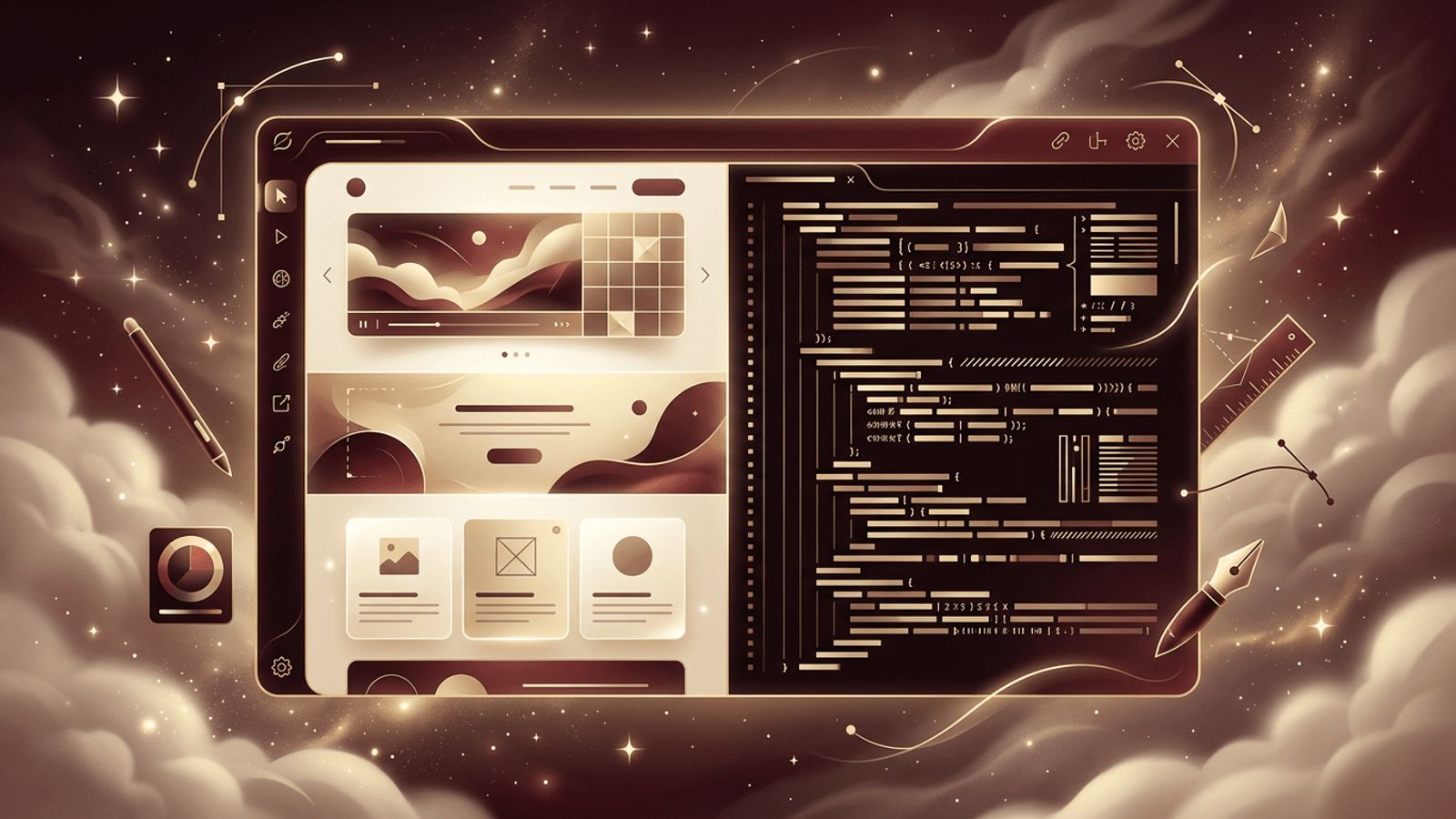
For many web designers who started their careers in the late 1990s and 2000s, Dreamweaver was the first tool they used to build websites. Originally developed by Macromedia and later acquired by Adobe, Dreamweaver offered a unique combination of visual "what you see is what you get" (WYSIWYG) editing and a full-featured code editor. Today, the web design landscape is filled with modern tools like Figma, Webflow, Visual Studio Code, and countless frameworks. So, is Dreamweaver good for web design in 2026? Dreamweaver can still be useful for certain users, particularly beginners and those working on simple static websites, but it has largely been overtaken by more modern, flexible, and collaborative tools for professional web design.
How AAMAX.CO Uses Modern Tools to Create Outstanding Websites
Great web design depends on the right blend of creative vision and modern tooling. AAMAX.CO is a full-service digital marketing company providing web development, digital marketing, and SEO services worldwide. Their designers work with industry-leading design and prototyping tools, while their developers use modern frameworks and code editors to bring designs to life with precision. This modern workflow produces websites that are visually compelling, responsive, accessible, and optimized for search engines. Businesses that want a fresh, professional online presence can hire them for expert website design.
What Is Dreamweaver?
Adobe Dreamweaver is a web development application that allows users to design, code, and manage websites. It offers a split view where users can see code and a visual preview simultaneously. Key features include code hinting for HTML, CSS, and JavaScript, built-in templates, responsive design tools, FTP publishing, Git integration, and support for Bootstrap. It is available as part of Adobe Creative Cloud.
Strengths of Dreamweaver
- Visual and code editing combined: Users can switch between design and code views, which helps beginners understand how HTML and CSS translate into visual layouts.
- Live preview: Changes appear instantly in the live view, speeding up small edits.
- Bootstrap integration: Built-in support for Bootstrap makes it easier to create responsive layouts.
- Site management: Integrated FTP and site management tools allow users to publish and manage files directly.
- Creative Cloud integration: Designers already using Adobe products can access assets and libraries easily.
Weaknesses of Dreamweaver
Despite its strengths, Dreamweaver has several drawbacks in today's environment. Its WYSIWYG approach can generate code that is less clean or efficient than handwritten code. It lacks native support for modern JavaScript frameworks like React, Vue, and Svelte, as well as modern build tools and component-based workflows.
Dreamweaver's subscription cost can also be a barrier, especially when powerful alternatives like Visual Studio Code are free. Updates have slowed in recent years, and its community has shrunk compared to newer tools. Collaboration features are limited compared to cloud-based design platforms.
Dreamweaver vs. Modern Alternatives
Visual Studio Code: A free, lightweight code editor with a vast extension ecosystem, Git integration, and support for every modern framework. It is now the most popular code editor among web developers.
Figma: A collaborative, browser-based design tool used for creating layouts, prototypes, and design systems. It has become the industry standard for UI and web design.
Webflow: A visual web design platform that generates clean, production-ready code and offers hosting and CMS features, making it a modern successor to the WYSIWYG concept.
WordPress with page builders: Ideal for content-driven websites where clients need to manage content easily.
Who Might Still Benefit From Dreamweaver?
Dreamweaver can still be a reasonable choice for:
- Beginners learning HTML and CSS who appreciate a visual preview
- Designers maintaining legacy websites originally built in Dreamweaver
- Small businesses or individuals creating simple static websites
- Educational settings where it is part of established curricula
- Creative Cloud subscribers who already have access to it
Professional Web Design Today
Modern professional web design typically follows a workflow where designers create wireframes and high-fidelity prototypes in tools like Figma, then developers build the site using frameworks, version control, and code editors. This separation allows better collaboration, faster iteration, and scalable design systems. Websites also need to integrate with content management systems, analytics, marketing tools, and performance optimization techniques, which require more flexibility than Dreamweaver offers. That is why many businesses choose professional website development teams who use modern tooling.
Learning Value of Dreamweaver
One argument in favor of Dreamweaver is its educational value. Seeing code and design side by side helps learners understand the relationship between markup and presentation. However, the same learning can be achieved with free tools such as VS Code with live preview extensions or online editors like CodePen.
Conclusion
Dreamweaver is still a functional tool for web design, especially for beginners, simple static sites, and legacy projects. However, it is no longer the best choice for most professional web design work. Modern tools like Figma, Visual Studio Code, and Webflow offer better collaboration, cleaner output, support for modern frameworks, and more active development. If you are starting your web design journey today, investing in modern tools will likely provide greater long-term value.
