

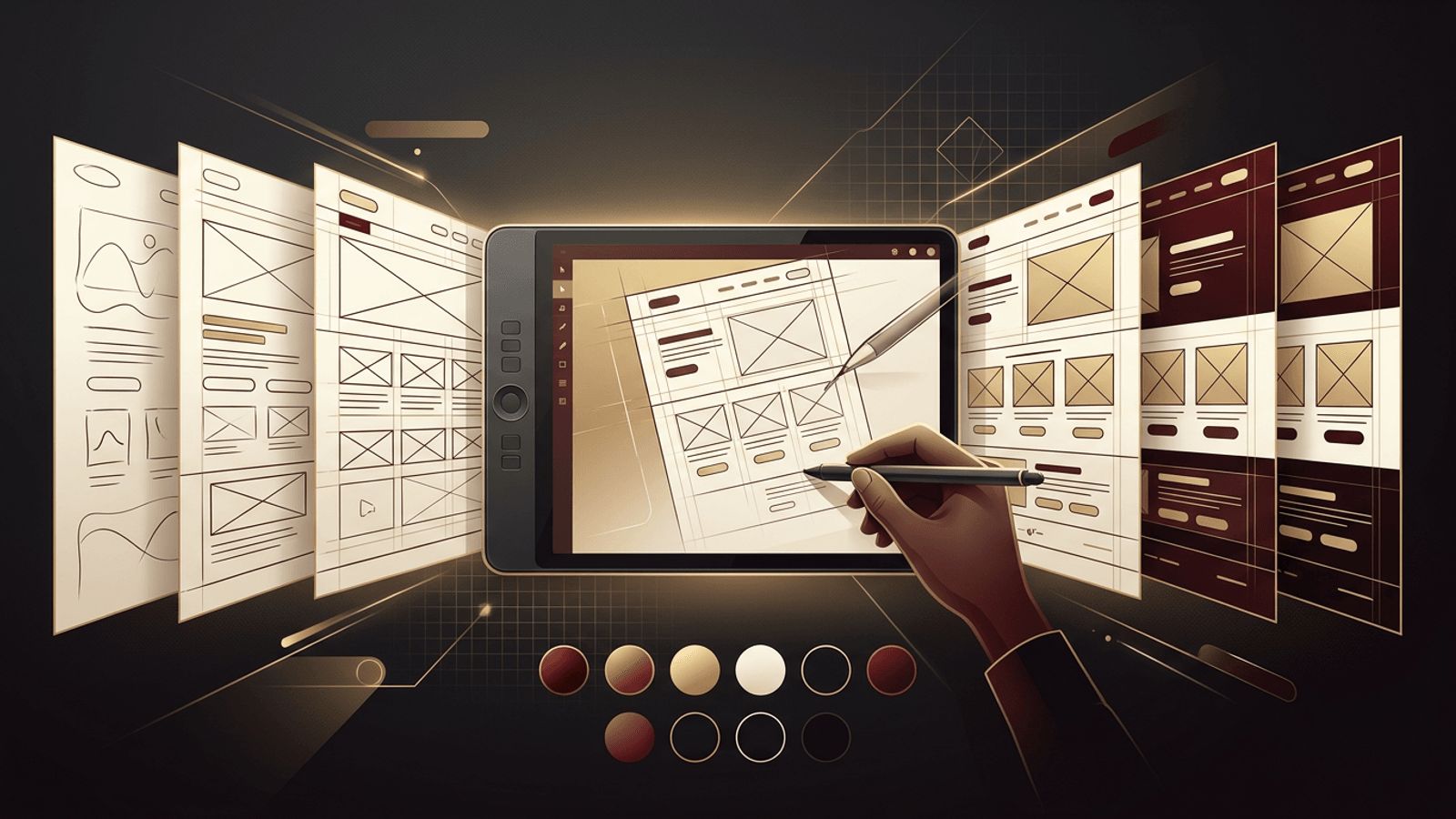
Web design is a craft that blends visual creativity, user psychology, and technical understanding. Like any craft, mastery comes from practice, not just from reading tutorials or watching videos. Yet many aspiring designers struggle to know what to practice and how to make steady progress. Learning how to practice web design effectively means focusing on deliberate exercises that build specific skills, creating real projects, and seeking feedback that pushes your work forward. This guide outlines practical methods to sharpen your design abilities, whether you are just starting out or looking to elevate your existing skills.
Learning from the Work of AAMAX.CO
Studying how professional teams approach design is a valuable part of any practice routine. AAMAX.CO is a full-service digital marketing company offering Web Development, Digital Marketing, and SEO Services worldwide. Their projects demonstrate how strong visual design, clear user experience, and conversion strategy come together to serve real business goals. For businesses that need professional results rather than practice projects, their website design services deliver polished, purpose-driven websites crafted by experienced designers.
Master the Fundamentals First
Strong web design rests on timeless design principles. Study typography, including font pairing, hierarchy, line length, and spacing. Learn color theory, understanding how to build harmonious palettes and ensure sufficient contrast for accessibility. Practice layout and composition, including grid systems, alignment, proximity, and whitespace. Understand visual hierarchy and how size, weight, and color direct attention. Practicing these fundamentals in isolation, such as creating typographic layouts or color palette exercises, builds a foundation that improves every design you create.
Recreate Websites You Admire
One of the most effective ways to practice is to recreate existing websites. Choose well-designed sites from galleries and industry leaders, and try to replicate their layouts in your design tool of choice. This exercise trains your eye to notice details such as spacing, type scales, and alignment that are easy to overlook. As you rebuild, ask yourself why the designer made each decision. Recreating designs is for learning purposes only; never present copied work as your own.
Redesign Existing Websites
Once you are comfortable recreating designs, move on to redesigning websites that could be improved. Local businesses, nonprofits, and outdated sites offer excellent practice opportunities. Analyze the current site's problems, such as confusing navigation, cluttered layouts, or poor mobile experience, and create a redesign that addresses them. Document your reasoning, which helps you think like a professional designer solving real problems and provides compelling case studies for your portfolio.
Take on Daily or Weekly Design Challenges
Design challenges provide structure and consistency. Commit to designing a specific interface element each day or week, such as a pricing table, sign-up form, navigation menu, landing page hero section, or dashboard. Many online communities publish challenge prompts and encourage participants to share their results. Regular challenges build speed, broaden your range, and help you develop a library of patterns you can draw upon in future projects.
Learn and Practice with Professional Tools
Proficiency with design tools allows you to translate ideas into polished work efficiently. Practice using modern interface design tools, learning features such as components, variants, auto layout, and prototyping. Explore design systems and practice building reusable component libraries. Learning keyboard shortcuts and efficient workflows will make you faster and more confident.
Design for Real Users and Real Content
Designs created with placeholder text and stock images often fall apart when real content is introduced. Practice designing with realistic content, including long headlines, varied image sizes, and actual product information. Consider the needs of different users, including those with disabilities. Practice designing accessible interfaces with sufficient contrast, readable typography, clear focus states, and logical structure.
Practice Responsive Design
Websites must work across a wide range of screen sizes. For every design exercise, create versions for mobile, tablet, and desktop. Practice adapting layouts, navigation, and content hierarchy for small screens. Thinking mobile-first forces you to prioritize content and simplify interfaces, which often improves the desktop experience as well.
Learn Basic Front-End Code
While not every web designer needs to be a developer, understanding HTML and CSS dramatically improves your designs. Knowing how layouts are built helps you create designs that are feasible to implement and communicate more effectively with developers. Practice turning your designs into simple coded pages. This experience deepens your understanding of responsive behavior, spacing systems, and browser constraints.
Build Real Projects
Practice projects are valuable, but real projects teach lessons no exercise can. Offer to design websites for friends, family businesses, community organizations, or nonprofits. Real clients bring constraints, feedback, deadlines, and goals that sharpen your problem-solving and communication skills. Each completed project also strengthens your portfolio.
Seek Feedback and Critique
Feedback accelerates growth. Share your work in design communities, with mentors, or with peers, and ask for specific critique. Be open to criticism and focus on understanding the reasoning behind suggestions. Conduct simple usability tests by asking people to complete tasks using your designs and observing where they struggle. Over time, you will develop the ability to critique your own work objectively.
Study Design Trends and Case Studies
Stay current by following design publications, case studies, and award-winning websites. Analyze why certain designs succeed, not just how they look. Be thoughtful about trends; adopt those that improve user experience and avoid those that merely look fashionable at the expense of usability.
Build a Portfolio as You Practice
Document your best practice work and real projects in a portfolio. Present each piece with context: the problem, your process, and the outcome. A portfolio that shows your thinking is far more compelling than a gallery of attractive screenshots.
Conclusion
Knowing how to practice web design effectively turns aspiration into expertise. Master the fundamentals, recreate and redesign websites, take on regular challenges, learn your tools, design with real content, practice responsiveness, learn basic code, build real projects, and seek feedback. With consistent, deliberate practice, your skills will grow steadily, and you will be ready to create websites that are both beautiful and effective.
