

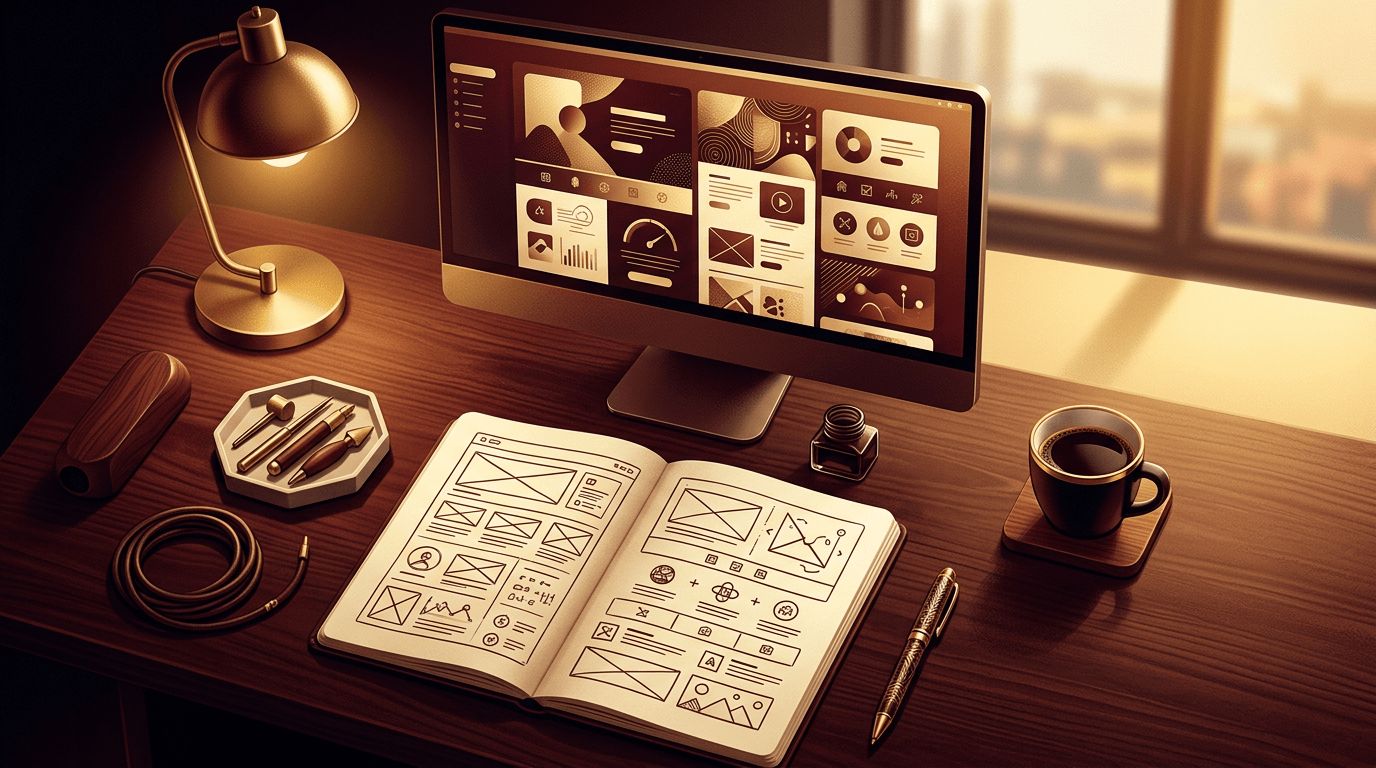
Making your own website is one of the best ways to express your ideas, promote your work, or grow a business. Thanks to modern tools, you no longer need to be a professional developer to create something attractive and functional. At the same time, learning the fundamentals helps you make smarter decisions and avoid common mistakes. This guide walks you through the process of making your own website step by step, from initial planning to launch and ongoing improvement.
Professional Support From AAMAX.CO When You Need It
Doing it yourself is rewarding, but there are times when expert help makes all the difference, such as custom features, advanced design, or competitive SEO. AAMAX.CO is a full-service digital marketing company offering web development, digital marketing, and SEO services worldwide. They can review your DIY site, enhance its website design, improve performance, or build custom functionality. Their team supports you at any stage, from a quick consultation to a full professional build.
Know Why You're Making a Website
Clarify your website's purpose before you begin. Are you showcasing a portfolio, starting a blog, promoting a local business, or selling products? Your purpose determines the pages, features, and platform you'll need. Write down your top goals and the actions you want visitors to take, such as contacting you, subscribing, or buying.
Choose a Website Platform
The platform is the foundation of your site. Drag-and-drop builders such as Wix and Squarespace are ideal for beginners who want quick results. WordPress is versatile and widely supported, suitable for blogs, businesses, and stores. Shopify specializes in e-commerce. For those willing to learn code, building with HTML, CSS, and JavaScript or a modern framework gives total creative control. Choose the platform that matches your comfort level and future plans.
Get a Domain and Hosting
Register a domain name that's simple and memorable. If you're using a builder, hosting is usually included. If you're self-hosting WordPress or a coded site, select a reliable hosting provider with SSL, backups, and good support. Ensure you own the domain directly so you can move your site in the future if needed.
Plan Your Pages and Content
Most personal and small business websites include a Home page, an About page, a Services or Portfolio page, a Blog if you plan to publish regularly, and a Contact page. Outline the content for each page before designing. Gather your logo, photos, testimonials, and any other materials you want to feature.
Design Your Website
Start with a template or theme that suits your style, then customize it. Use a consistent color palette and one or two fonts. Keep layouts clean with plenty of white space. Use high-quality images and make important buttons stand out. Most importantly, check that your design looks great on phones and tablets, since many visitors will view it on mobile.
Write Engaging Content
Your words are just as important as your design. Write a clear headline that tells visitors what your site is about. Keep paragraphs short and easy to scan. Use headings to organize information and include calls to action that guide visitors to the next step. Let your personality shine through, especially on personal websites.
Add Useful Features
Include a contact form so visitors can reach you. Link to your social media profiles. Add a newsletter signup if you plan to share updates. For selling, integrate a secure payment system. Keep features focused on your goals to avoid clutter and slow loading times.
Optimize for Search Engines
Basic SEO helps people find your website. Write a unique title and meta description for each page, use keywords naturally, add alt text to images, and create descriptive URLs. Make sure your site loads quickly and works well on mobile. Submit your site to Google Search Console to help it get indexed.
Test and Launch
Preview your site on multiple devices and browsers. Click every link, test your forms, and proofread all content. Once everything works, publish your site and connect your domain. Share it with friends, family, and your network to start attracting visitors.
Keep Learning and Improving
After launch, use analytics to see how visitors interact with your site. Update content regularly, add new projects or posts, and refine your design based on feedback. Each improvement makes your site more effective and engaging.
Common Beginner Mistakes
Beginners often spend too long perfecting design details and never launch. Others overload their site with widgets, animations, and plugins that slow it down. Choosing a hard-to-spell domain, ignoring mobile layouts, and writing long, unstructured paragraphs make sites harder to use. Forgetting to back up your work or keep software updated can lead to lost content or security issues. Start simple, launch, and improve step by step based on real feedback.
Final Thoughts
Making your own website is achievable for anyone willing to plan and learn. Define your purpose, choose the right platform, design thoughtfully, write engaging content, and optimize for search. Your website will become a valuable digital home that reflects your goals and grows with you over time.
