

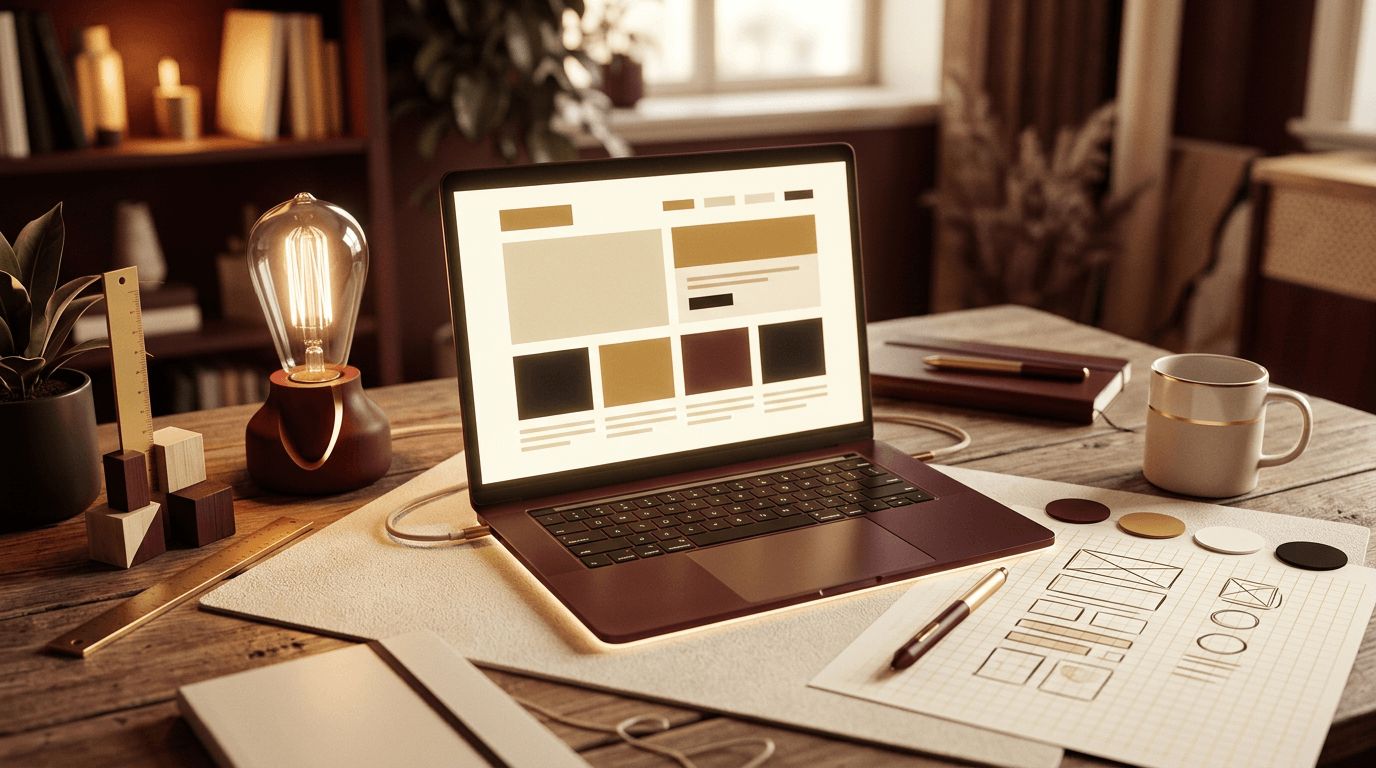
Web design can seem intimidating when you are just starting out. There are layouts, colors, fonts, images, code, tools, and a seemingly endless list of best practices to learn. The good news is that the fundamentals of web design are approachable, and anyone willing to practice can learn to create attractive, functional websites. This beginner-friendly guide explains the core principles of web design, the tools you can use, and a simple step-by-step process for designing your first website with confidence.
When to Bring in AAMAX.CO for Professional Web Design
Learning web design is rewarding, but many businesses need a polished, high-converting website faster than a beginner can deliver. AAMAX.CO is a full-service digital marketing company that offers web development, digital marketing, and SEO services worldwide. Their experienced designers create custom, responsive websites that reflect each client's brand and are optimized for search engines and conversions. For anyone who wants professional results while they continue learning, their website design services provide a reliable way to launch a site that looks and performs like it was built by experts, because it was.
What Is Web Design?
Web design is the process of planning and creating the visual appearance, layout, and user experience of a website. It includes choosing colors and typography, arranging content, designing navigation, and ensuring the site works well on all devices. Web design is closely related to web development, which focuses on the code that brings designs to life, but a designer's primary concern is how the site looks, feels, and guides visitors.
Core Principles Every Beginner Should Know
- Visual hierarchy: Arrange elements so the most important content stands out first, using size, color, contrast, and placement.
- Simplicity: Clean designs with plenty of white space are easier to understand than cluttered ones.
- Consistency: Use the same fonts, colors, button styles, and spacing throughout the site.
- Alignment and grids: Align elements to an invisible grid for an orderly, professional appearance.
- Contrast and readability: Ensure text stands out clearly from its background.
- Responsiveness: Design for phones, tablets, and desktops alike.
- Accessibility: Make the site usable for everyone, including people with disabilities.
Step 1: Define the Purpose and Audience
Before opening any design tool, answer two questions: What should this website accomplish, and who is it for? A portfolio site aims to showcase work and attract clients. A restaurant site needs to display menus, hours, and reservation options. A small business site might focus on generating inquiries. Knowing your goals and audience helps you decide what content to include and how to present it.
Step 2: Plan Your Content and Structure
List the pages your website needs, such as Home, About, Services, Portfolio, Blog, and Contact. Organize them into a simple sitemap. Then outline the content for each page: headlines, text, images, and calls to action. Content should drive design, not the other way around. Writing a rough draft of your content first makes the design process much easier.
Step 3: Gather Inspiration
Look at websites you admire, especially within your industry. Galleries like Dribbble, Behance, Awwwards, and Mobbin showcase excellent design work. Notice how successful sites use layout, spacing, imagery, and typography. Save examples in a mood board, but use them for inspiration rather than copying.
Step 4: Sketch Wireframes
A wireframe is a simple, low-detail layout that shows where elements go on a page without worrying about colors or images. You can sketch wireframes on paper or use tools like Figma, Balsamiq, or Whimsical. Wireframes help you focus on structure and user flow: where the navigation sits, how the hero section looks, and where calls to action appear.
Step 5: Choose Colors and Typography
Select a limited color palette, typically one primary brand color, one or two accent colors, and neutral shades for backgrounds and text. Tools like Coolors and Adobe Color can help you build harmonious palettes. For typography, choose no more than two font families, such as one for headings and one for body text. Google Fonts offers many free, high-quality options. Make sure body text is at least 16 pixels and has comfortable line spacing.
Step 6: Create a Visual Mockup
Using a design tool like Figma, turn your wireframes into detailed mockups with real colors, fonts, images, and content. Figma is free for beginners, works in the browser, and is widely used by professional designers. Design the mobile and desktop versions of key pages. Use high-quality images from free sources like Unsplash and Pexels, and keep consistent spacing using a simple system, such as multiples of 8 pixels.
Step 7: Build the Website
Beginners have several options for turning designs into a live website:
- Website builders: Platforms like Wix, Squarespace, and Framer let you build visually without code.
- WordPress: A flexible content management system with thousands of themes and plugins.
- HTML and CSS: Learning basic code gives you full control and a deeper understanding of how websites work.
Whichever route you choose, focus on following your design closely and keeping the site fast and responsive.
Step 8: Test Your Design
Before launching, test your website on different devices and browsers. Check that all links work, forms submit correctly, images load quickly, and text is readable. Ask friends or potential users to try the site and share honest feedback. Use free tools like Google Lighthouse to evaluate performance, accessibility, and SEO basics.
Step 9: Launch and Keep Improving
Once you are satisfied, connect a domain name, publish the site, and set up analytics to see how visitors use it. Web design is never truly finished. Use feedback and data to refine layouts, improve content, and update visuals over time.
Beginner Mistakes to Avoid
- Using too many fonts and colors.
- Cramming too much content onto one page.
- Ignoring mobile users.
- Using low-quality or oversized images that slow the site down.
- Forgetting clear calls to action.
Conclusion
Web design for beginners is all about mastering the fundamentals: understanding your audience, planning content, sketching layouts, choosing a cohesive visual style, and testing your work. With free tools like Figma and Google Fonts and a willingness to practice, you can create websites that look professional and serve their purpose. Start small, keep learning, and each project will strengthen your skills.
