

HTML, or HyperText Markup Language, is the foundation of every web page on the internet. Whether you are visiting a simple blog or a complex web application, HTML provides the structure that browsers use to display content. Learning to create an HTML web page is the first step for anyone interested in web development, and it is surprisingly approachable. With nothing more than a text editor and a web browser, you can build and view your own page in minutes. This guide walks you through creating an HTML web page from scratch, explaining each element along the way.
How AAMAX.CO Builds on Solid HTML Foundations
Clean, semantic HTML is the starting point of every fast, accessible, and search-friendly website. AAMAX.CO is a full service digital marketing company providing Web Development, Digital Marketing, and SEO Services worldwide. Their developers write standards-compliant markup and deliver professional website development that combines strong HTML structure with modern styling and functionality. Businesses that want websites built on best practices from the ground up can rely on them for quality code and lasting performance.
What You Need to Get Started
Creating an HTML page requires very little. You need a text editor, such as Visual Studio Code, Sublime Text, or even a basic editor like Notepad or TextEdit in plain text mode. You also need a web browser, such as Chrome, Firefox, Safari, or Edge, to view your page. Create a new folder on your computer for your project, then create a file named index.html inside it. The index.html name is a convention that web servers recognize as the default page.
Understand the Basic Document Structure
Every HTML document follows a standard structure. It begins with a doctype declaration that tells the browser to use modern HTML standards. Next comes the html element, which wraps all content and includes a lang attribute specifying the page language. Inside the html element are two main sections: the head and the body. The head contains information about the page that is not displayed directly, while the body contains everything visitors see.
Fill in the Head Section
The head section holds important metadata. Include a meta tag declaring the UTF-8 character set so text displays correctly. Add a viewport meta tag so the page scales properly on mobile devices. Include a title element, which appears in browser tabs and search engine results. You can also add a meta description summarizing the page for search engines and link to external stylesheets that control the page's appearance.
Learn Essential HTML Tags
HTML uses tags, usually in opening and closing pairs, to define content. The most common tags include:
- Headings (h1 to h6): Define titles and subtitles, with h1 as the main heading of the page.
- Paragraphs (p): Contain blocks of text.
- Links (a): Create hyperlinks using the href attribute to specify the destination.
- Images (img): Display images using the src attribute and alt text for accessibility.
- Lists (ul, ol, li): Create bulleted or numbered lists.
- Divisions and spans (div, span): Group content for styling and layout.
- Forms (form, input, label, button): Collect information from visitors.
- Tables (table, tr, th, td): Display tabular data.
Use Semantic HTML Elements
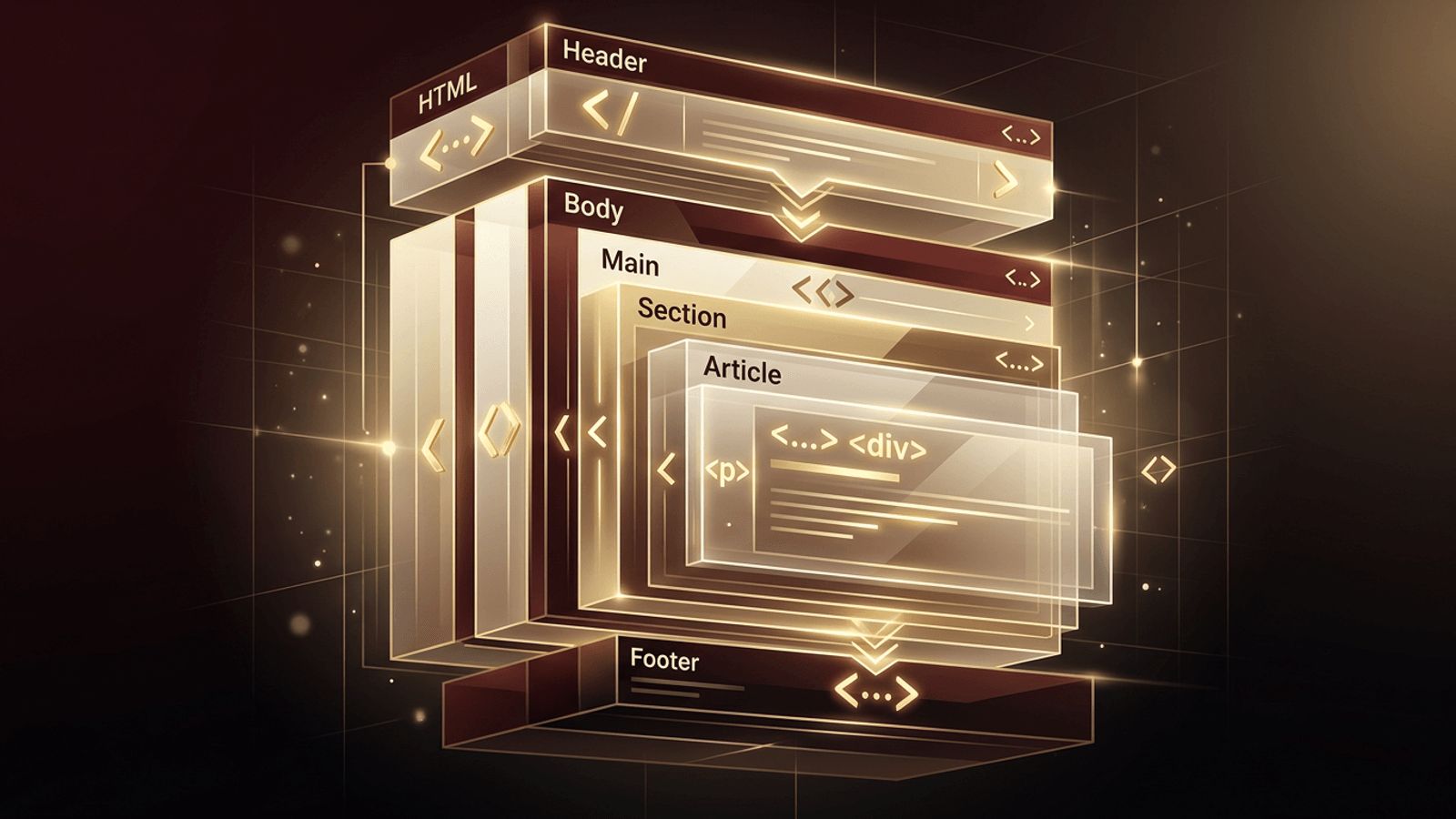
Semantic elements describe the meaning of content, which improves accessibility and search engine understanding. Use header for introductory content and site branding, nav for navigation menus, main for the primary content, section for thematic groupings, article for self-contained content like blog posts, aside for related side content, and footer for closing information such as copyright and contact details. Semantic structure helps screen readers navigate your page and gives search engines clearer signals about your content.
Build Your First Page
Start by adding a header with your site name and a navigation menu containing links to page sections. In the main area, add a heading that introduces the page, a paragraph describing its purpose, and an image with descriptive alt text. Include a section listing services or interests using an unordered list. Add a simple contact form with labeled fields for name, email, and message. Finish with a footer containing a copyright notice. Save the file and open it in your browser to see the result.
Add Style with CSS
HTML provides structure, but CSS controls appearance. Create a file named styles.css in your project folder and link it in the head of your HTML document. In CSS, you can set fonts, colors, spacing, and layouts. Use Flexbox or CSS Grid to arrange elements, and media queries to adjust layouts for different screen sizes. Separating style from structure keeps your code organized and easy to maintain.
Follow Best Practices
Good habits make your HTML clean and professional. Indent nested elements consistently to improve readability. Use lowercase tag names and quote attribute values. Always include alt text for images and labels for form fields. Use only one h1 per page and organize headings in logical order. Validate your HTML with an online validator to catch errors. Keep file and folder names lowercase without spaces.
Test Your Page
Open your page in multiple browsers to ensure consistent display. Use browser developer tools to inspect elements and test how the page looks on different screen sizes. Check that all links work and images load. Run an accessibility check to identify improvements.
Publish Your HTML Page Online
To share your page with the world, upload it to a web host. Many modern hosting platforms offer free hosting for static HTML sites and can deploy directly from a Git repository. Alternatively, traditional hosting providers allow you to upload files via SFTP. Connect a custom domain name for a professional touch, and enable HTTPS for security.
Conclusion
Creating an HTML web page starts with understanding the basic document structure, filling in the head section, and using essential and semantic tags to organize content. Add CSS for styling, follow best practices, test carefully, and publish your page online. These fundamentals form the foundation of all web development, and mastering them opens the door to building increasingly sophisticated websites and applications.
