

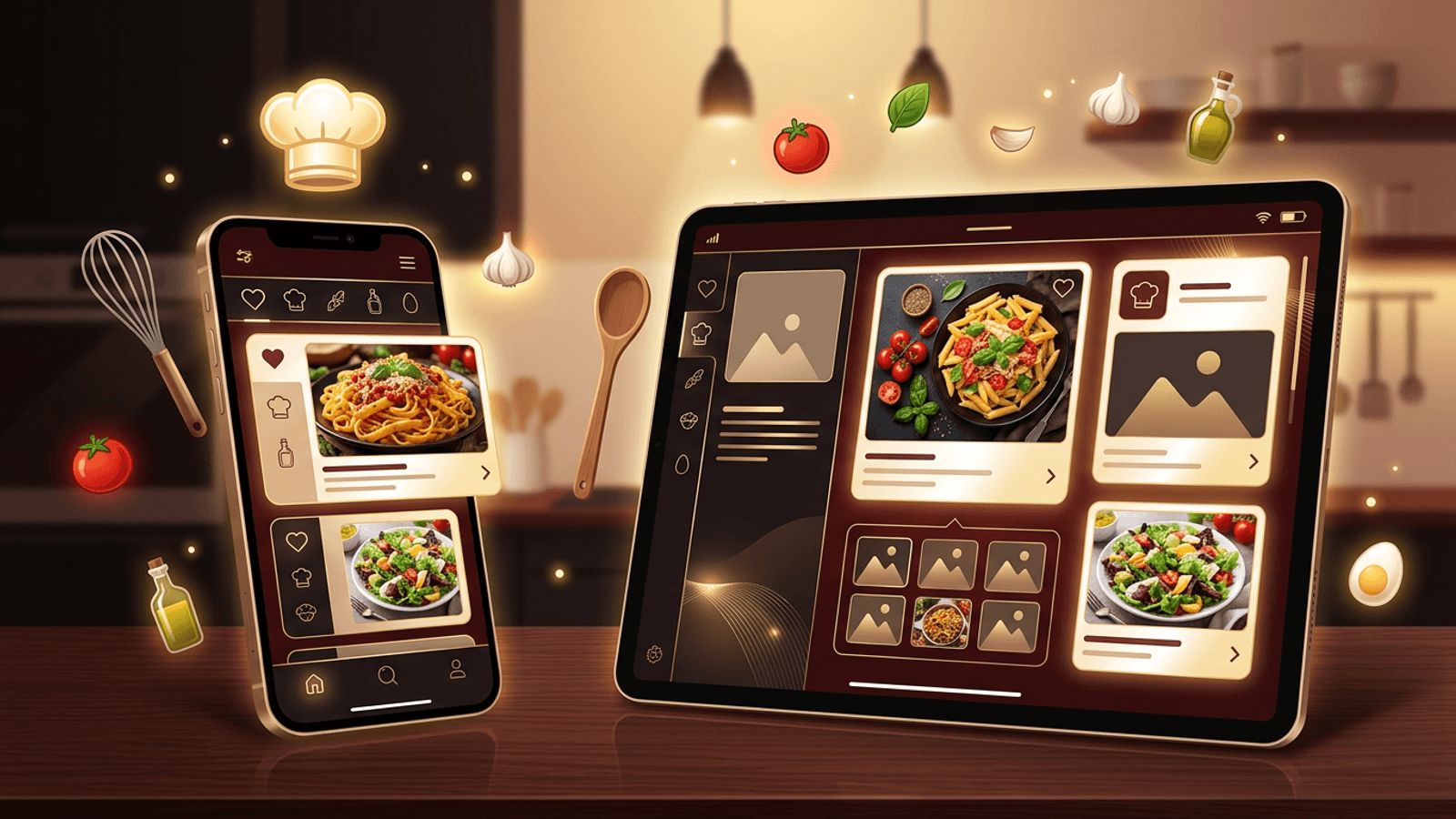
Food lovers, home cooks, nutrition coaches, and culinary brands are increasingly turning to recipe web apps to organize, share, and discover meals. A well-built recipe app can store favorite dishes, generate shopping lists, scale ingredient quantities, filter by dietary needs, and even suggest meals based on what is in your pantry. Whether you want to build a personal recipe organizer or launch a recipe platform for a wide audience, understanding the planning, design, and development process is essential. This guide explains how to create a recipe web app, from defining core features and choosing a tech stack to designing an intuitive interface and launching successfully.
How AAMAX.CO Can Build Your Recipe Web App
Turning a recipe app idea into a polished product requires design, development, and marketing expertise. AAMAX.CO is a full-service digital marketing company offering web development, digital marketing, and SEO services worldwide. Their team designs and builds custom web applications with intuitive interfaces, secure user accounts, powerful search, and scalable databases. They can help you plan features, select the right technology, and launch your recipe app with an SEO strategy that attracts food enthusiasts searching for meal ideas online.
Step 1: Define Your Recipe App's Purpose
Start by identifying who your app is for and what problem it solves. A personal recipe organizer focuses on saving and categorizing recipes. A community platform allows users to share and rate recipes. A meal planning app helps users plan weekly menus and generate grocery lists. A brand-focused app might showcase recipes featuring specific products.
Research competing apps and identify gaps you can fill, such as better dietary filters, simpler interfaces, or cultural cuisine specializations.
Step 2: Plan Core Features
Most recipe apps include several essential features. Recipe creation allows users to add titles, ingredients, steps, cooking times, servings, and photos. Search and filtering let users find recipes by ingredient, cuisine, meal type, or dietary preference. Favorites and collections help users organize recipes they love.
Advanced features can set your app apart. Ingredient scaling automatically adjusts quantities based on servings. Shopping list generation compiles ingredients from selected recipes. Meal planning calendars, nutrition information, cooking timers, and step-by-step cooking modes improve usability. Ratings and comments build community engagement.
Step 3: Design an Intuitive User Experience
Recipe apps are often used in the kitchen, sometimes with messy hands, so design matters. Use large, readable text, clear ingredient lists, and step-by-step instructions. High-quality food photography is essential for inspiring users. Make navigation simple, with prominent search and easy access to saved recipes.
Create wireframes and prototypes to test the user flow before development. A thoughtful website design process ensures your app is both beautiful and practical.
Step 4: Choose Your Technology Stack
For the front end, modern frameworks like React, Next.js, Vue, or Svelte provide fast, interactive interfaces. For the back end, Node.js, Python, or serverless functions can handle application logic. Databases such as PostgreSQL work well for structured recipe data, including ingredients, categories, and user relationships.
Consider using cloud storage for recipe images and a search service to power fast, flexible recipe searches. Authentication services provide secure user accounts. If you prefer a faster launch, headless content management systems can manage recipe content efficiently.
Step 5: Structure Your Recipe Data
A well-structured database is the foundation of a great recipe app. Create tables or collections for recipes, ingredients, categories, users, favorites, and reviews. Store ingredients with quantities and units separately so you can scale servings and generate shopping lists. Tag recipes with cuisines, diets, and meal types to support filtering.
Use structured data markup for recipes so search engines can display rich results with ratings, cooking times, and images, which significantly improves visibility.
Step 6: Build and Test the Application
Develop your app in stages, starting with a minimum viable product that includes core features. Test it with real users to gather feedback on usability and functionality. Ensure your app works smoothly on mobile devices, since many users will access recipes on phones and tablets in the kitchen.
Building a reliable, secure, and scalable app requires experience. Professional web application development ensures your recipe app performs well, protects user data, and can grow as your audience expands.
Step 7: Optimize for Search and Performance
Recipe searches are among the most popular queries online, making SEO a powerful growth channel. Optimize recipe pages with descriptive titles, keyword-rich descriptions, and structured data. Compress images and use lazy loading to keep pages fast. Make sure each recipe has a unique, crawlable URL.
Step 8: Launch and Grow Your Audience
Promote your recipe app through social media, food blogs, and partnerships with chefs or influencers. Encourage users to share recipes and invite friends. Email newsletters featuring seasonal recipes help retain users. Monitor analytics to understand which features and recipes are most popular, and continuously improve your app based on user feedback.
Conclusion
Learning how to create a recipe web app involves careful planning, user-friendly design, a solid technology stack, and well-structured data. Define your audience, prioritize essential features, design for real kitchen use, and optimize for search to attract food lovers. With thoughtful development and ongoing improvements, your recipe web app can become a go-to resource for cooks around the world.
