

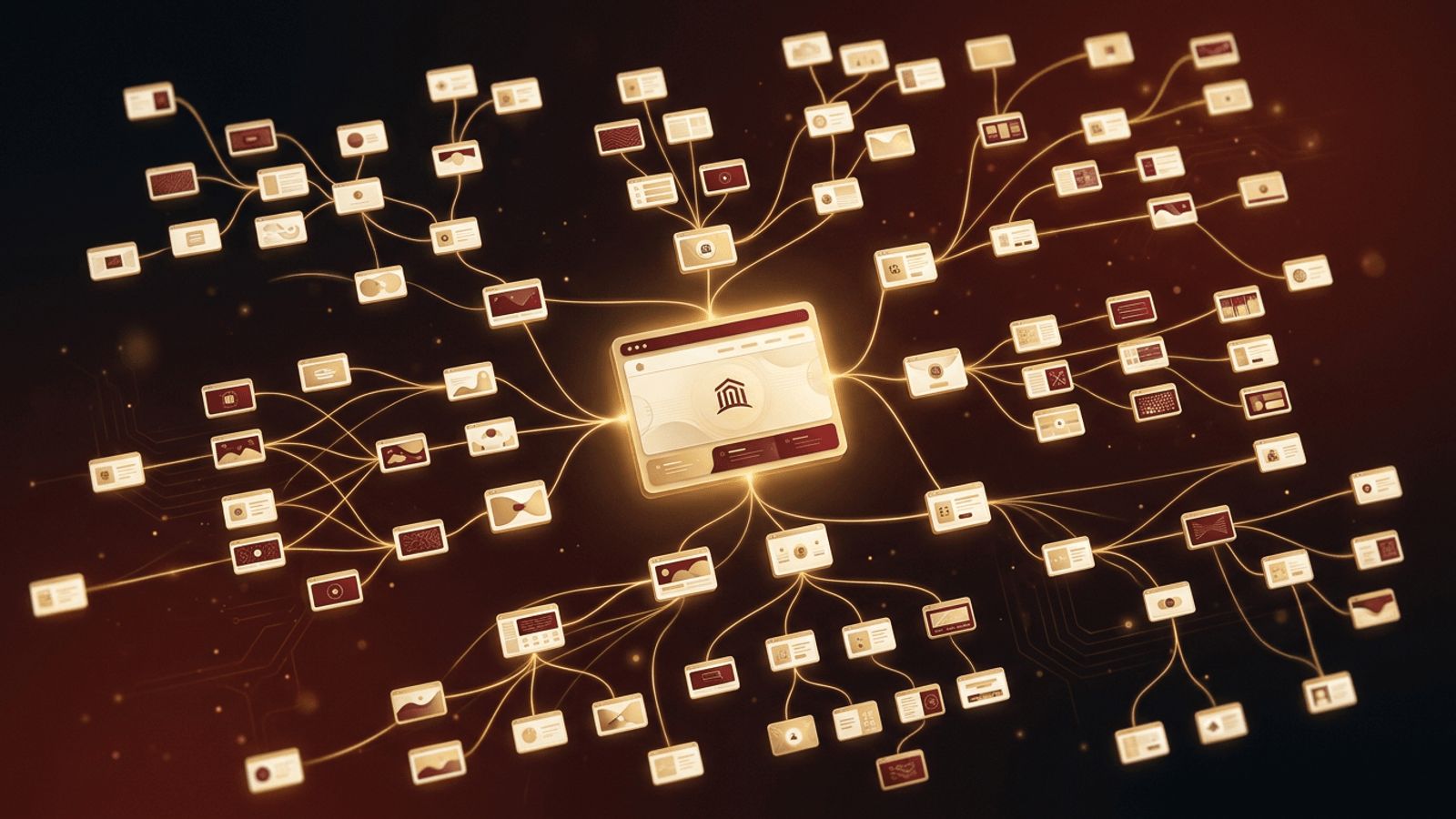
A website is more than a collection of individual pages. It is a connected experience where every page guides visitors toward the information or action they need. Knowing how to connect web pages together effectively affects usability, search engine rankings, and conversions. In this guide, you will learn the technical methods for linking pages, how to plan a logical site structure, the role of navigation menus and internal links, and best practices that keep your website easy to explore.
How AAMAX.CO Builds Well-Connected Websites
A thoughtfully linked website does not happen by accident, and AAMAX.CO understands this well. They are a full-service digital marketing company offering web development, digital marketing, and SEO services worldwide. Their team plans site architecture, designs intuitive menus, and builds internal linking strategies that help both visitors and search engines find important content. Through their website design services, they create seamless journeys from the home page to every product, service, and contact page their clients need.
Start With a Clear Site Structure
Before writing any code, map out your website's hierarchy. Most sites follow a tree-like structure: the home page at the top, main category pages beneath it, and individual detail pages under each category. Sketching a sitemap helps you decide which pages need to link to each other and prevents orphan pages that no other page links to. A flat structure, where important pages are only a few clicks from the home page, is better for both users and search engines.
The HTML Link: Your Core Tool
Pages are connected with the anchor element and its href attribute:
<a href="/services">Our Services</a>Use root-relative paths that start with a slash for internal links so they work from any page on your site. Use full URLs only when linking to external websites.
Global Navigation Menus
A global navigation menu appears on every page and links to your most important sections. Keep it short, usually five to seven items, and use clear labels like "Services," "About," "Blog," and "Contact." Wrap it in a semantic <nav> element for accessibility. On mobile devices, a compact menu toggle keeps navigation available without overwhelming small screens. Highlight the current page in the menu so users always know where they are.
Footer Links
The footer is an ideal place for secondary links such as privacy policies, terms of service, careers, and social profiles. Many users scroll to the footer looking for contact details or less prominent pages, so a well-organized footer improves discoverability without cluttering the main menu.
Contextual Internal Links
Contextual links appear within the body content of your pages. For example, a blog post about website speed might link to your performance optimization service page. These links:
- Help visitors discover related content naturally.
- Distribute ranking authority across your site.
- Give search engines context about the linked page through the anchor text.
- Keep users engaged longer, reducing bounce rates.
Use descriptive anchor text that tells readers what they will find, and avoid stuffing too many links into a single paragraph.
Breadcrumb Navigation
Breadcrumbs show a page's position in the site hierarchy, such as Home > Services > Web Design. They let users jump back to parent categories with a single click and are especially helpful on large sites, online stores, and documentation. Adding breadcrumb structured data can also make your search listings more informative.
Calls to Action
Buttons such as "Get a Quote" or "Book a Consultation" are links too, and they connect pages in a goal-oriented way. Place clear calls to action at logical points in your content so visitors always have a next step. Each page should guide users toward a meaningful destination rather than leaving them at a dead end.
Connecting Pages in Modern Frameworks
If you build with frameworks like Next.js, React, or Vue, use their built-in link components. These components enable client-side navigation, prefetch pages in the background, and make transitions feel instant while still rendering proper anchor elements for accessibility and SEO.
Best Practices for Connected Websites
- Ensure every page is reachable within a few clicks from the home page.
- Avoid broken links by auditing your site regularly with crawling tools.
- Use consistent navigation across all pages.
- Set up 301 redirects when you rename or remove pages so old links keep working.
- Create an XML sitemap and submit it to search engines.
- Make links keyboard accessible with visible focus styles.
Measuring Navigation Success
Analytics tools reveal how users move through your site. Look at user flow reports, exit pages, and click heatmaps to identify where people get stuck or leave. If an important page receives little traffic, consider adding more internal links pointing to it or promoting it in your navigation.
Conclusion
Connecting web pages together is about more than adding links. It requires a clear site structure, consistent navigation, meaningful internal links, and strategic calls to action. When pages connect logically, visitors find what they need faster, search engines understand your content better, and your website becomes a powerful tool for achieving your business goals.
