

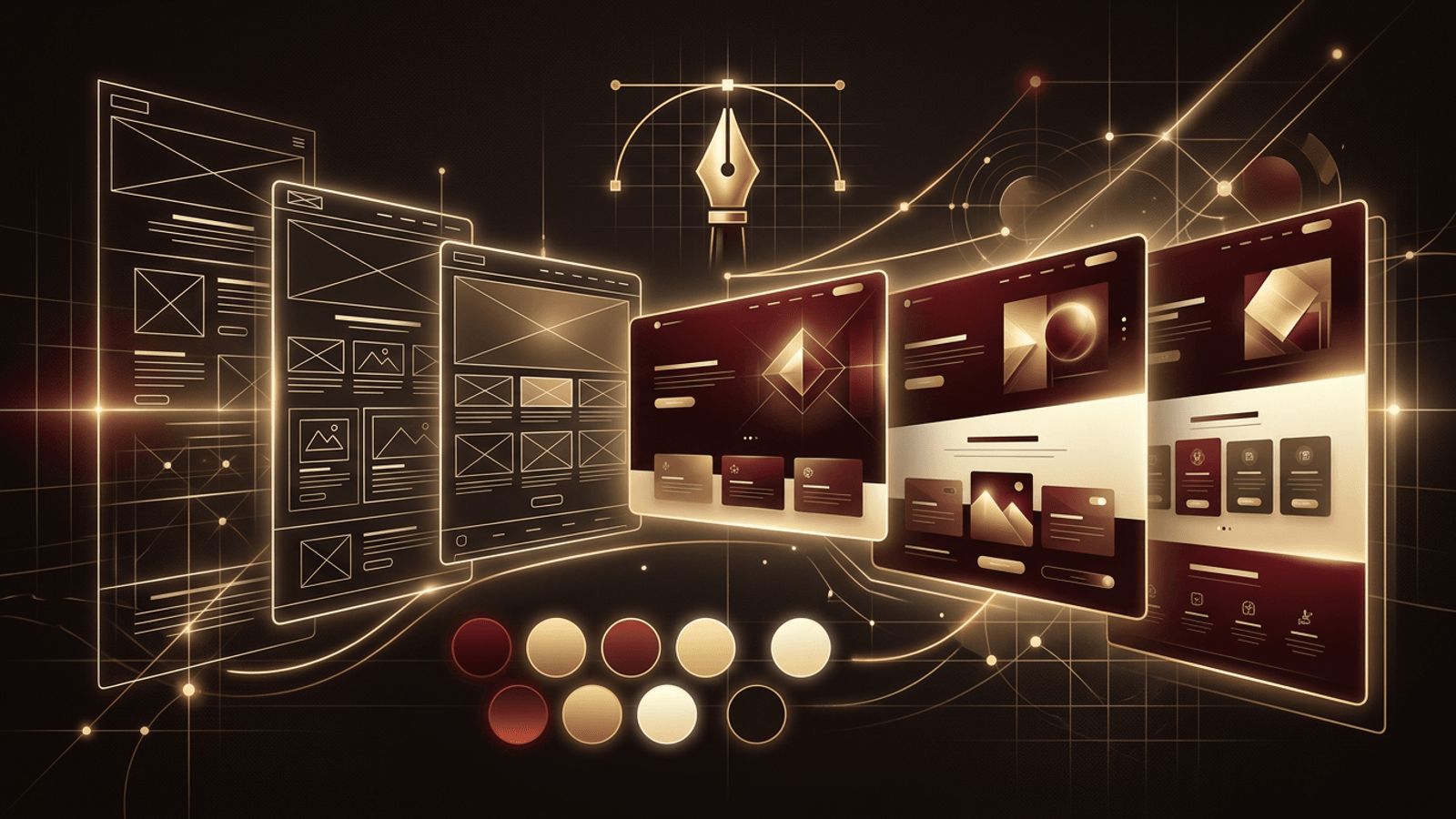
A great website does not happen by accident. Behind every polished, easy-to-use site is a thoughtful design process that balances aesthetics, usability, branding, and business goals. Many people imagine web designers simply choosing colors and fonts, but the role is far broader. So how do web designers build websites? They research audiences, map content, sketch layouts, craft visual systems, prototype interactions, and work closely with developers to bring everything to life. This article walks through the typical process step by step.
AAMAX.CO: A Design Team That Delivers Results
For businesses seeking a website that looks exceptional and performs even better, AAMAX.CO offers a complete solution. As a full service digital marketing company offering web development, digital marketing, and SEO services worldwide, they follow a proven design process that starts with understanding each client's brand and audience. Their website design team creates wireframes, custom visuals, and interactive prototypes, then collaborates with developers to launch fast, responsive, conversion-focused websites. Hiring them means getting a website built on research and strategy, not guesswork.
Stage 1: Discovery and Research
Every project begins with discovery. Designers meet with stakeholders to understand business goals, target audiences, competitors, and success metrics. They ask questions such as: Who are the users? What problems do they need solved? What actions should they take on the site? Designers may review analytics from an existing site, conduct user interviews, and study competitor websites to identify opportunities. This research forms the foundation for every design decision that follows.
Stage 2: Defining Structure and Information Architecture
Next, designers organize content into a logical structure. They create a sitemap that outlines every page and how pages relate to one another. Information architecture ensures visitors can find what they need quickly through intuitive navigation, clear labels, and sensible grouping. This stage often involves card sorting exercises or user flows that map how visitors move from entry points to key goals like purchasing or contacting the business.
Stage 3: Wireframing
Wireframes are simple, low-fidelity blueprints of each page. They show the placement of headers, navigation, content blocks, images, forms, and calls to action without focusing on colors or detailed styling. Wireframes allow designers and clients to agree on layout and hierarchy early, when changes are quick and inexpensive. Tools like Figma, Sketch, and Adobe XD are commonly used.
Stage 4: Visual Design
With the structure approved, designers apply visual design. They develop a color palette aligned with the brand, choose typography for headings and body text, define spacing and grid systems, and design buttons, icons, and imagery styles. Many designers create a style guide or design system that documents these elements, ensuring consistency across every page and making future updates easier.
Designing for Responsiveness
Designers create layouts for multiple screen sizes, typically mobile, tablet, and desktop. They decide how content should stack, resize, or hide on smaller screens so the experience remains clear and usable on every device.
Designing for Accessibility
Professional designers consider accessibility from the start, ensuring sufficient color contrast, readable font sizes, clear focus states, and layouts that work with screen readers and keyboard navigation.
Stage 5: Prototyping and User Testing
Designers turn static mockups into clickable prototypes that simulate how the site will behave. Prototypes let stakeholders experience navigation, animations, and interactions before development begins. Designers often run usability tests with real users to identify confusing elements, then refine the design based on feedback.
Stage 6: Content Collaboration
Design and content go hand in hand. Designers collaborate with copywriters, photographers, and SEO specialists to ensure headings, text length, and images fit the layout and support search visibility. Real content replaces placeholders to reveal how the design performs in practice.
Stage 7: Developer Handoff
Once designs are finalized, designers hand them off to developers. Modern design tools provide specifications for measurements, colors, fonts, and assets, and many teams share component libraries that match the design system. Designers remain involved during development to answer questions, review builds, and ensure the final product matches the vision.
Stage 8: Quality Assurance and Launch
Before launch, designers review the developed site across browsers and devices, checking alignment, spacing, responsiveness, animations, and interactive states. After any issues are fixed, the site goes live. Many design teams monitor analytics and heatmaps after launch to see how real users behave.
Stage 9: Ongoing Optimization
A website is a living product. Designers continue to improve it through A/B testing, conversion rate optimization, new landing pages, and seasonal updates. Data-driven refinements help the site perform better over time.
Essential Tools Web Designers Use
- Design and prototyping: Figma, Adobe XD, Sketch.
- Graphics and imagery: Adobe Photoshop and Illustrator.
- Collaboration: project management boards and shared design libraries.
- Research: analytics, heatmaps, and user testing platforms.
Conclusion
Web designers build websites through a structured process of research, information architecture, wireframing, visual design, prototyping, testing, and collaboration with developers. Each stage reduces risk and ensures the final site is attractive, usable, and aligned with business goals. Investing in professional design leads to stronger first impressions, better engagement, and higher conversions.
