

Can InDesign Be Used for Web Design? What You Need to Know
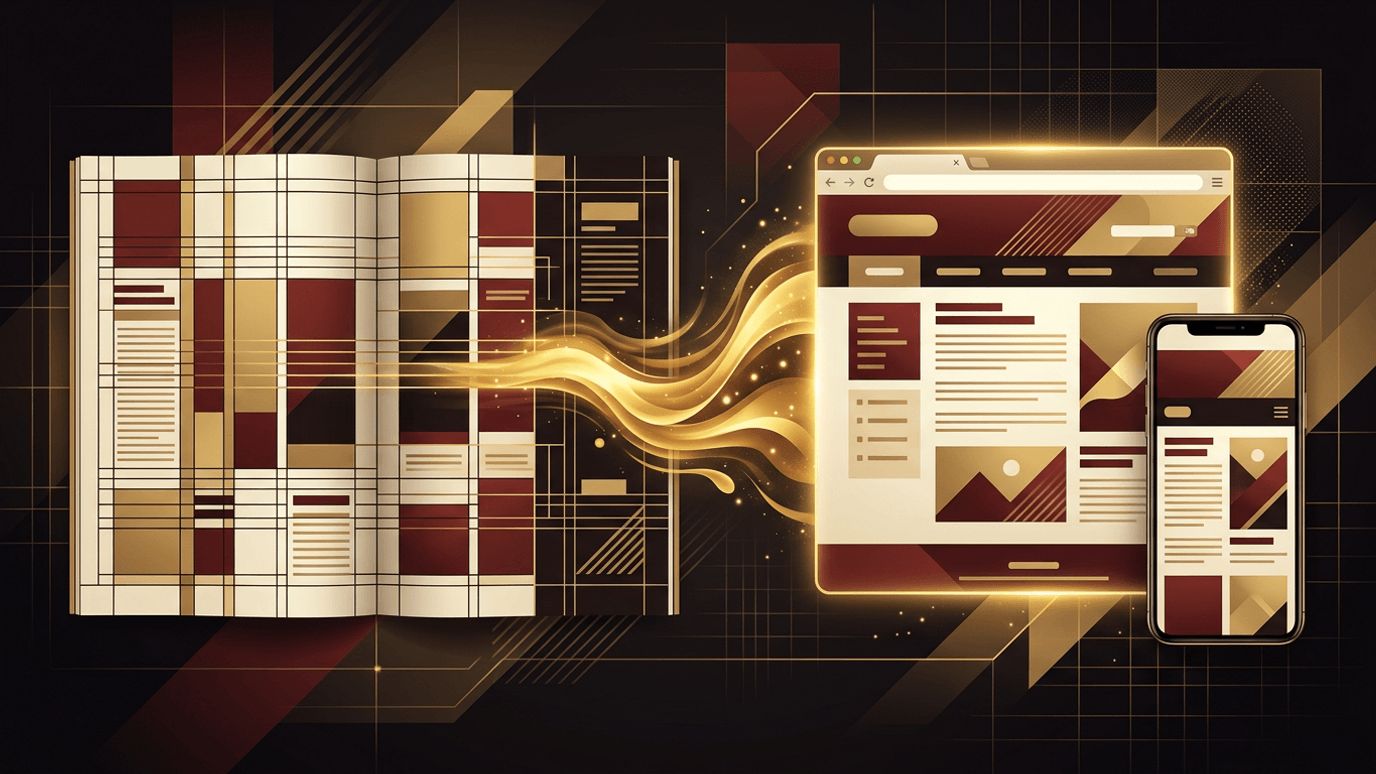
Adobe InDesign is the industry standard for page layout and publishing. Designers use it to create magazines, brochures, books, posters, and interactive digital documents. Many print designers who are comfortable with InDesign wonder whether they can use it for web design as well. The short answer is that InDesign can be used for some web-related tasks, such as creating mockups or interactive digital publications, but it is not designed for modern web design. Websites require responsive layouts, interactive components, and development-friendly handoff, which are better handled by dedicated interface design tools. Understanding InDesign's role helps designers choose the right workflow.
How AAMAX.CO Bridges Brand Design and Web Design
Many businesses have strong print branding but need websites that translate that identity effectively online. AAMAX.CO is a full service digital marketing company that offers web development, digital marketing, and SEO services worldwide. Their designers adapt brand guidelines, typography, and visual styles into responsive, user-friendly websites. They understand how print design principles translate to digital experiences and use the right tools to deliver websites that look great and function flawlessly.
What InDesign Was Built For
InDesign excels at fixed-layout design. It offers precise control over typography, grids, master pages, and multi-page documents. Its strengths include handling large amounts of text, managing styles consistently, and preparing files for professional printing. It also supports digital publishing formats like interactive PDFs and fixed-layout ebooks, which can include hyperlinks, buttons, animations, and embedded media.
Web-Related Features in InDesign
InDesign includes some features that touch on web publishing. Designers can create documents using web intent, which sets pixel-based measurements and RGB color modes. The Publish Online feature allows designers to share interactive documents as web-viewable publications through Adobe's hosting, complete with page-turning and interactivity. InDesign can also export content to HTML, though the output is intended for repurposing content rather than building production websites. Additionally, InDesign can export EPUB files for ebooks.
Why InDesign Is Not Ideal for Modern Web Design
No true responsive design. Modern websites must adapt to countless screen sizes, from small phones to large monitors. InDesign's fixed layouts do not support fluid grids or breakpoint-based responsive behavior in a way that mirrors how websites actually work.
Limited interactive prototyping. Web design involves designing states like hover effects, dropdown menus, form interactions, and navigation flows. Dedicated interface tools allow designers to prototype these interactions realistically, which InDesign cannot do effectively.
Weak developer handoff. Developers need access to measurements, CSS properties, assets, and component specifications. Interface design tools provide inspection features that make handoff efficient, while InDesign files are not built for this workflow.
No component systems. Modern web design relies on reusable components and design systems that ensure consistency and scalability. While InDesign has styles and master pages, it lacks the component and variant systems found in interface design tools.
Poor HTML output. Exported HTML from InDesign is not suitable for production websites. It lacks semantic structure, responsive behavior, and the performance optimizations required for modern web standards and SEO.
Better Tools for Web Design
Figma is the leading tool for web and interface design. It offers responsive auto layout, components, variants, prototyping, real-time collaboration, and developer handoff features. Adobe XD offered similar capabilities but is no longer actively developed. Sketch remains popular among Mac users. Penpot is an open source alternative. Website builders with visual design capabilities also allow designers to create and publish responsive websites without traditional coding.
How Print Designers Can Transition to Web Design
Print designers have valuable skills that transfer directly to web design, including typography, layout, grids, color, and visual hierarchy. To transition successfully, learn the fundamentals of how websites work, including HTML and CSS basics, responsive design, and accessibility. Study user experience principles, since web design focuses on how users navigate and interact, not just how pages look.
Start learning Figma, which feels familiar to InDesign users in many ways, with frames, grids, and styles. Practice by redesigning print projects as responsive websites. Learn to design for multiple breakpoints, create components, and prototype interactions. Seeking feedback from web designers and developers can help you understand practical constraints and expectations.
When InDesign Still Has a Role
InDesign remains useful in web-adjacent workflows. Designers can use it to create downloadable PDFs, digital magazines, lead magnets, presentations, and interactive reports that are distributed online. It can also help develop brand guidelines that inform web design. For actual website interfaces, however, dedicated tools and professional website design processes produce far better results.
Collaboration Between Print and Web Teams
Many organizations have separate print and web design workflows. Maintaining consistent brand assets across both is essential. Shared color palettes, typography systems, and image libraries help ensure consistency. Converting InDesign styles into web design tokens can create a seamless bridge between print and digital design systems.
Conclusion
InDesign can be used for limited web-related tasks, such as interactive digital publications, mockups, and downloadable documents, but it is not suitable for modern responsive web design. Tools like Figma provide the responsive layouts, components, prototyping, and developer handoff that websites require. Print designers can leverage their strong design foundations to transition to web design by learning web fundamentals and modern interface tools, opening new creative and career opportunities.
